An image of your model, no software needed
To post a model in a shop, on social media or on a model site you need a clean image. Here you open your STL, rotate it to its best angle, pick the color and download a PNG, without installing anything.
With a transparent background you can place it on any design; with a white background it's ready for an online store.
Making it look better
- Turn it a little to the side and from above: the shapes read better.
- Use the color of the filament you'll print with.
- For online stores, white background and 1500 × 1500 px.
Advertisement
Tips
- For social media, 1500 × 1500 px (square).
- A transparent background lets you put it over another design.
- If the model lies down, check "Stand it up".
- For several views, rotate and download again.
Frequently asked questions
What size is the image?
Choose between 1200 × 900, 2000 × 1500 or 1500 × 1500 pixels.
Can I choose the angle?
Yes: the image comes out exactly as you see the 3D preview. Rotate it with your finger or mouse before downloading.
Does it work with OBJ or 3MF?
Yes, and with PLY and GLB too.
Is my file uploaded to the internet?
No. The image is made in your browser; the model isn't sent anywhere.
Why is there a download limit?
The tool is free and supported by ads. Each visit includes 5 downloads; to keep going, open the page again.
 Your QR in 3D
 Your photo in 3D
 Your map in 3D
 Signature to stamp
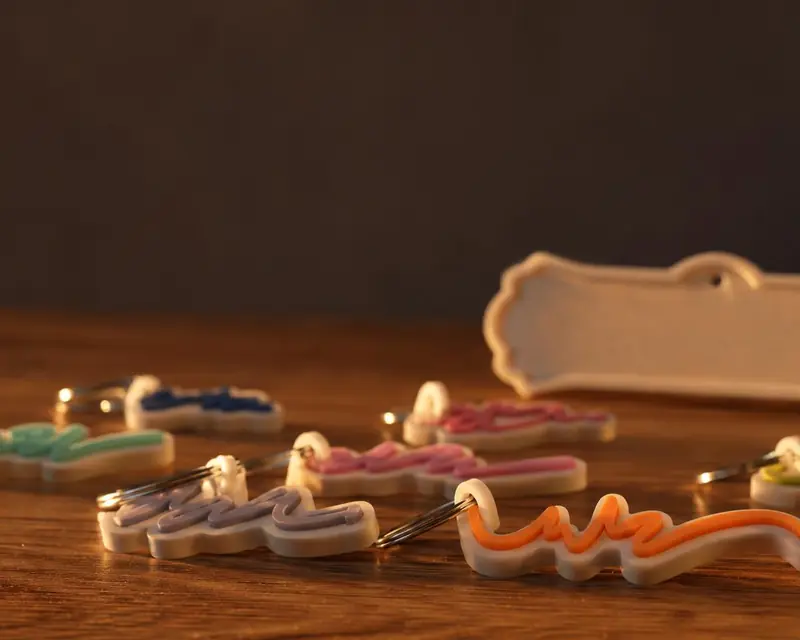 Your name in 3D
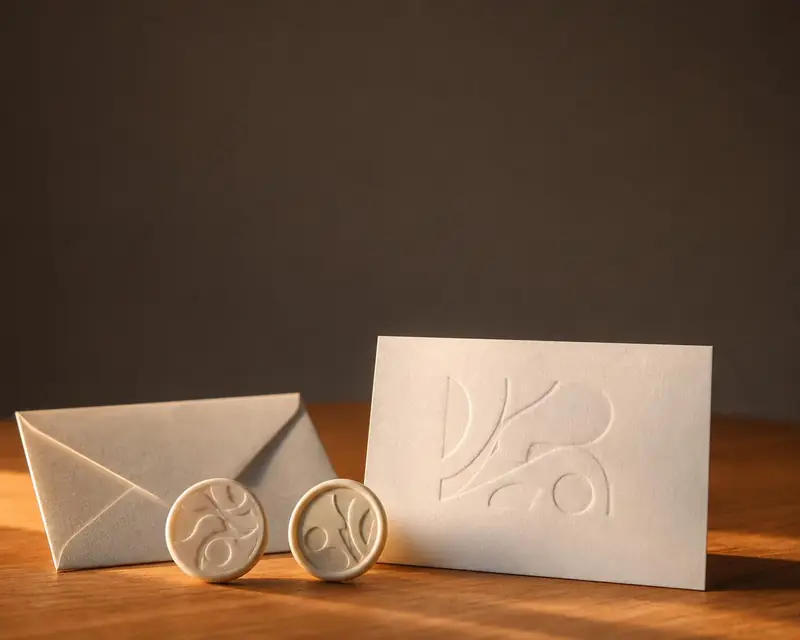 Embossing stamp
 Cookie cutter
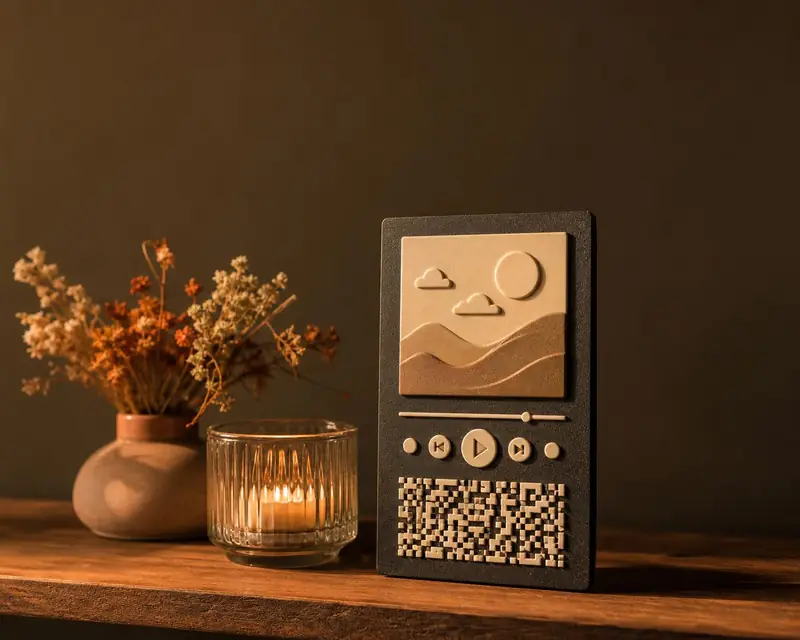 Song plaque
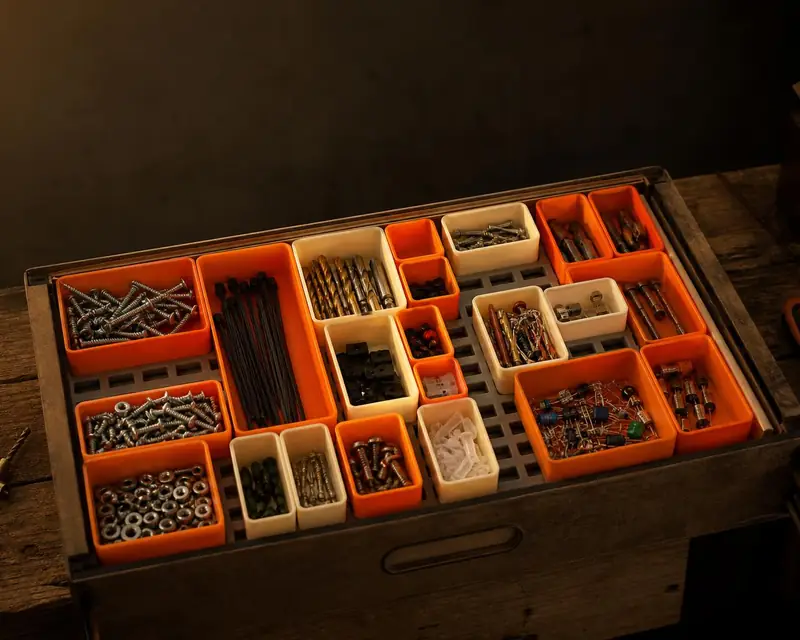 Gridfinity bins
 Gears
 Stencil