From vector to part
An SVG is a vector drawing: lines and curves that stay sharp at any size. It's the usual format for logos, icons and cutting designs. Here you turn it into a silhouette with thickness to print: signs, wall logos, magnets, ornaments or pieces to glue on.
The tool draws your SVG at high resolution on a transparent background and extracts the outline, so the edges come out clean even if the design is small.
Which SVG works best
Those with filled shapes: flat logos, lettering, icons. If your SVG is only lines (outlines without fill), it works too, but each line keeps the thickness it was drawn with: if it's too thin, raise the smoothing or make the part bigger.
If the logo has parts that don't touch (separate letters, dots), turn on "Join everything with a plate underneath" so it comes out as one piece.
It works with PNG too
If you don't have the SVG, upload a PNG with a transparent background: it's the same as PNG to STL.
Tips
- Before exporting the SVG, convert text to outlines (curves): that way it doesn't depend on the browser having the font.
- If your SVG has white parts that should be holes (the eyes of a face, the inside of a letter), lower the threshold: white stops counting as part of the shape.
- If your design has colors, the silhouette merges everything that isn't background; to separate colors, export one SVG per color.
- Thickness of 3 to 5 mm for wall or desk pieces; 2 mm for ornaments or magnets.
Frequently asked questions
How do I convert an SVG to STL?
Upload your SVG, check the silhouette in the 3D preview, adjust thickness and size, and download the STL. Nothing to install.
Why don't the letters in my SVG show?
Because the SVG uses a font your browser doesn't have. Convert them to outlines in your design program and export again.
Does it work with line-only SVGs?
Yes, each line keeps its thickness. If they're very thin, make the part bigger or raise the smoothing.
Is my file uploaded to the internet?
No. Everything happens in your browser.
Why is there a download limit?
The tool is free and supported by advertising. Each visit includes 5 downloads; to keep going, open the page again and your settings are kept.
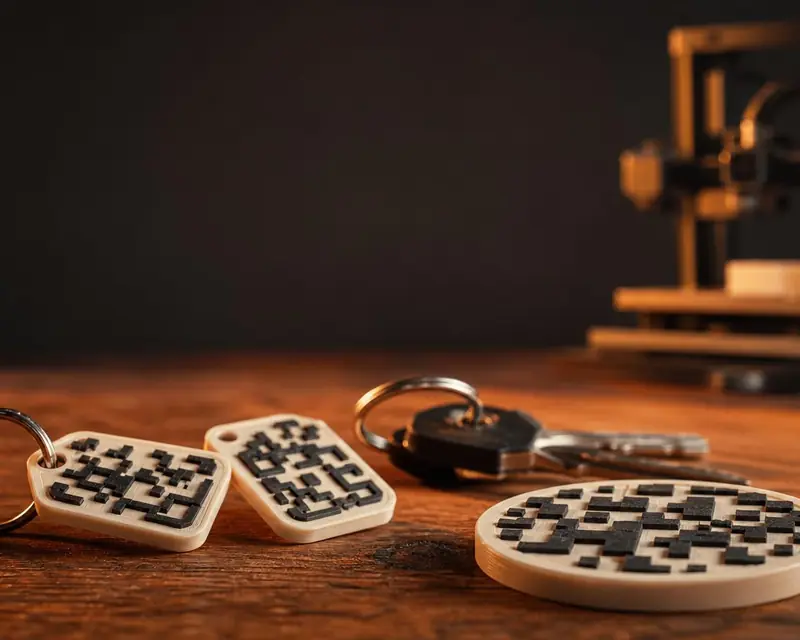 Your QR in 3D
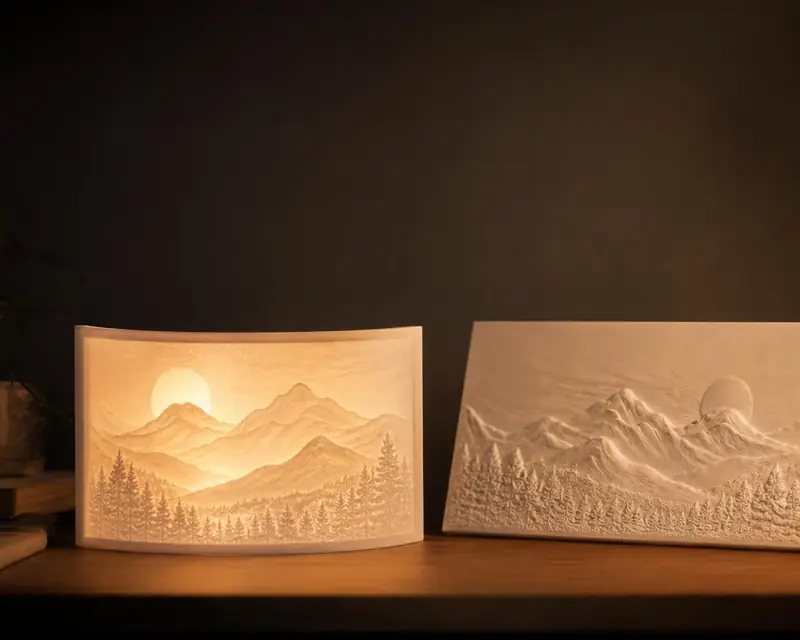 Your photo in 3D
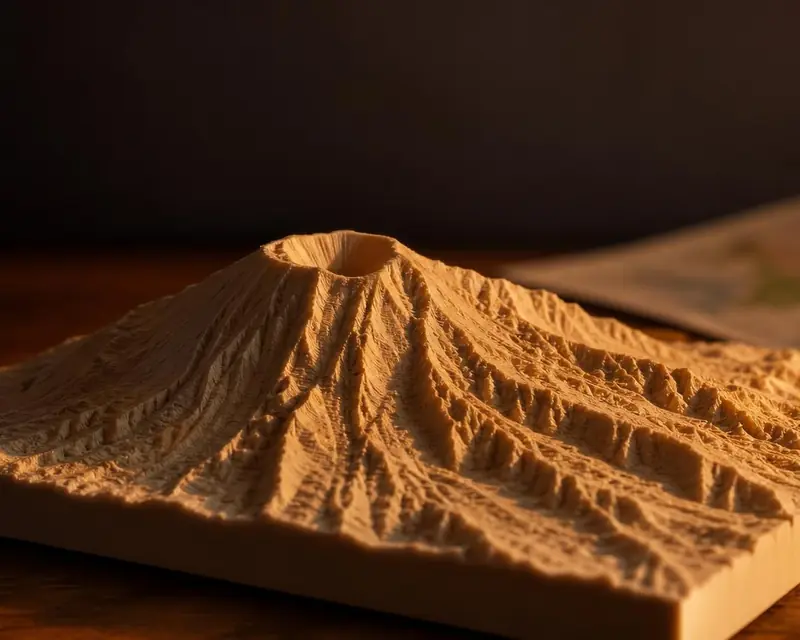 Your map in 3D
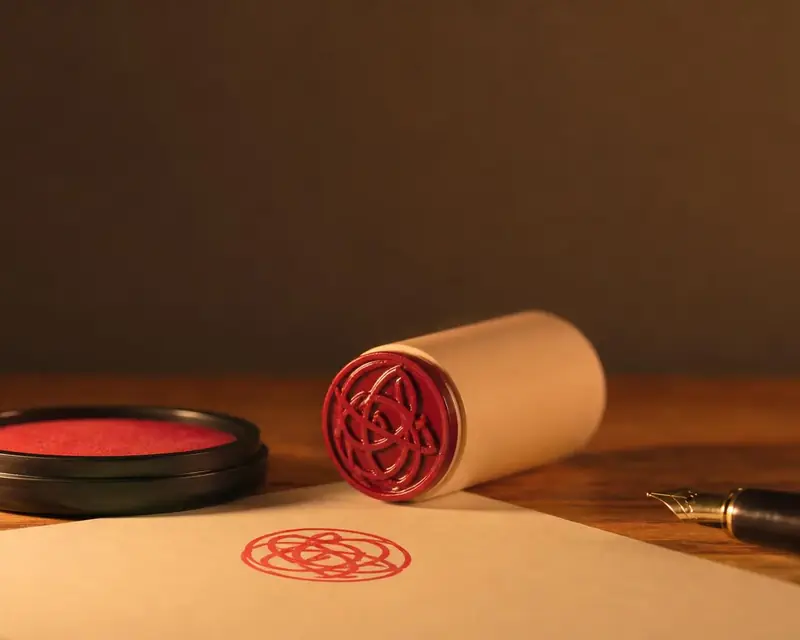 Signature to stamp
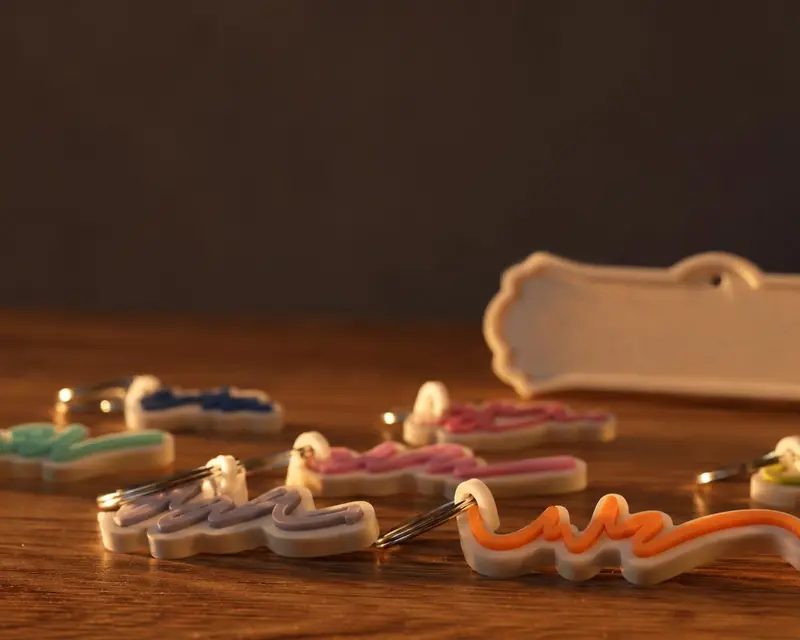 Your name in 3D