Why convert a 3MF to STL
3MF is the format almost every slicer saves today: besides the shape, it stores colors, multiple parts and settings. It's the better format, but not everything opens it: older printers and programs, some print services, design tools and model sites ask for STL.
This tool reads the 3MF, puts all its parts together in place and gives you an STL. It also works with 3MF files from Bambu Studio, Orca and PrusaSlicer that store each part in a separate internal file.
What's kept and what isn't
The shape, the position of each part and the dimensions are kept: if the 3MF was in centimeters or inches, the STL comes out in millimeters, which is what slicers expect.
What doesn't carry over to STL are colors, materials and print settings, because STL doesn't store them. If your 3MF had several colored parts, the STL has them together in one file. If you want to print in two colors, keep using the 3MF.
Private: your file isn't uploaded
The conversion happens entirely in your browser. Your model is never sent to a server, so you can convert your own or your clients' designs without worry.
Tips
- If the warning says the mesh has holes, almost every slicer repairs it on import. PrusaSlicer and Bambu Studio also have a button to repair it manually.
- If the model comes out tiny or huge, check the scale in your slicer: some 3MF files are saved at a different scale than you expect.
- If the 3MF has several parts and you only want one, open it in your slicer, delete the others and export from there.
- For very large files (over 200 MB), convert them directly in your slicer: a phone's browser runs out of memory.
Frequently asked questions
What's the difference between 3MF and STL?
STL only stores the shape as triangles. 3MF stores the shape plus colors, multiple parts, units and settings. Modern slicers open both; STL is the one everything accepts.
Are colors lost when converting to STL?
Yes: STL doesn't store colors. The parts come together in a single file. If you want to print in two colors, use the original 3MF.
Does it work with 3MF files from Bambu Studio and Orca?
Yes. Those programs store each part in a separate internal file, and the tool puts them together in place.
Is my file uploaded to the internet?
No. It's read and converted in your browser; it isn't sent anywhere.
Is there a maximum size?
Up to 200 MB and 4 million triangles. For bigger files, use a desktop program.
Why is there a download limit?
The tool is free and supported by advertising. Each visit includes 5 downloads; to keep going, open the page again.
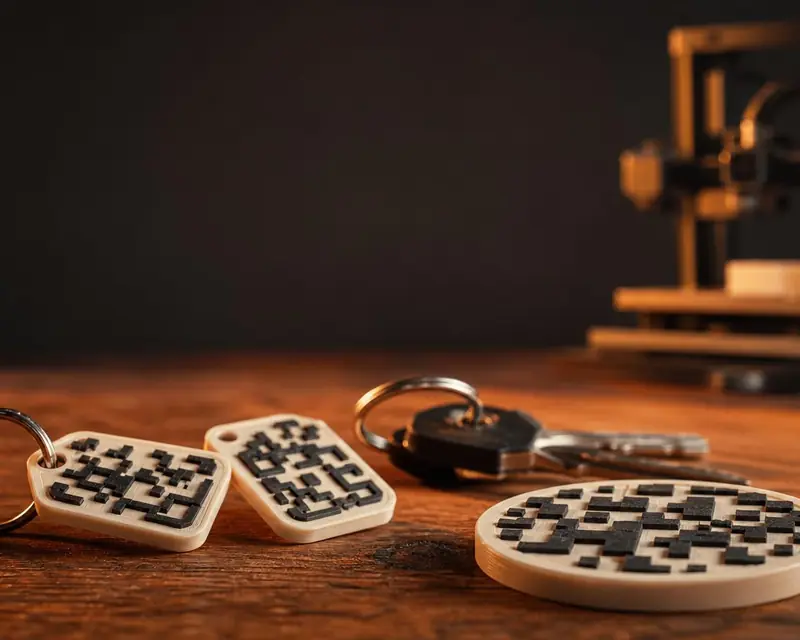 Your QR in 3D
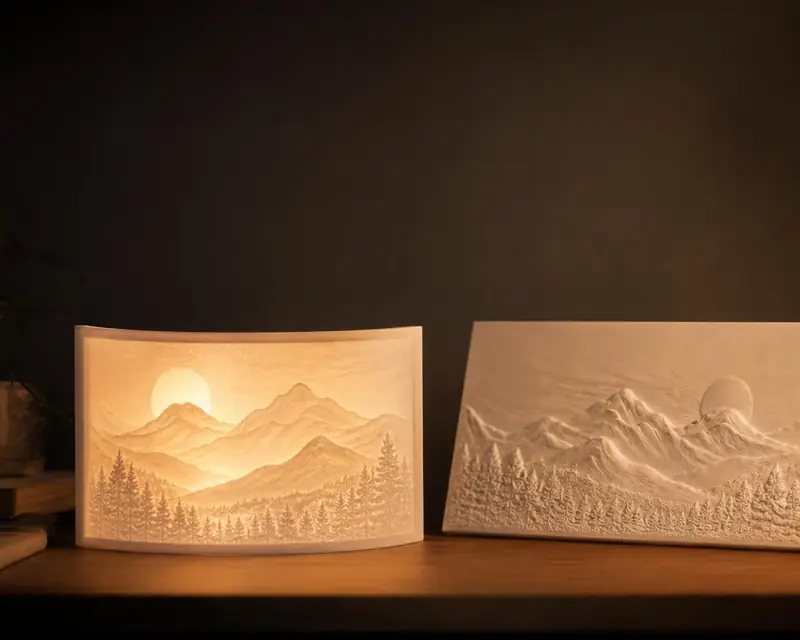 Your photo in 3D
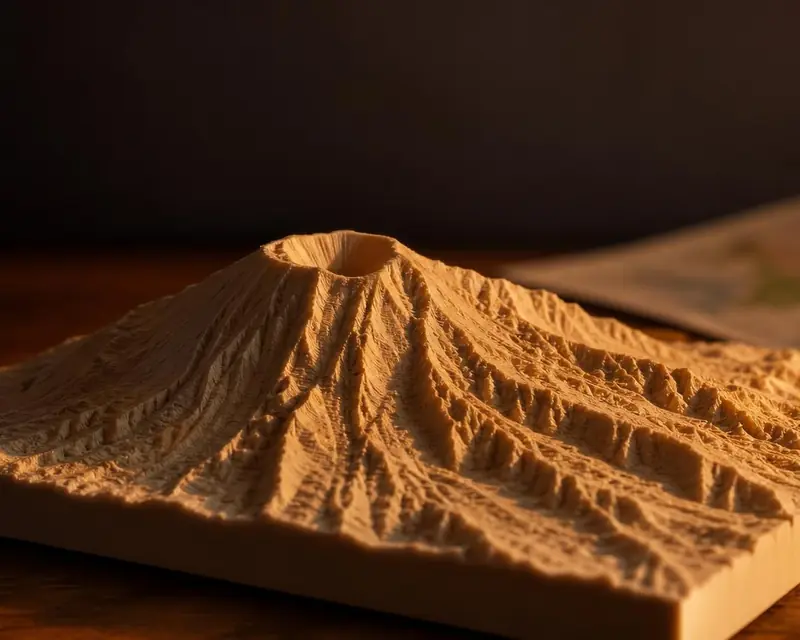 Your map in 3D
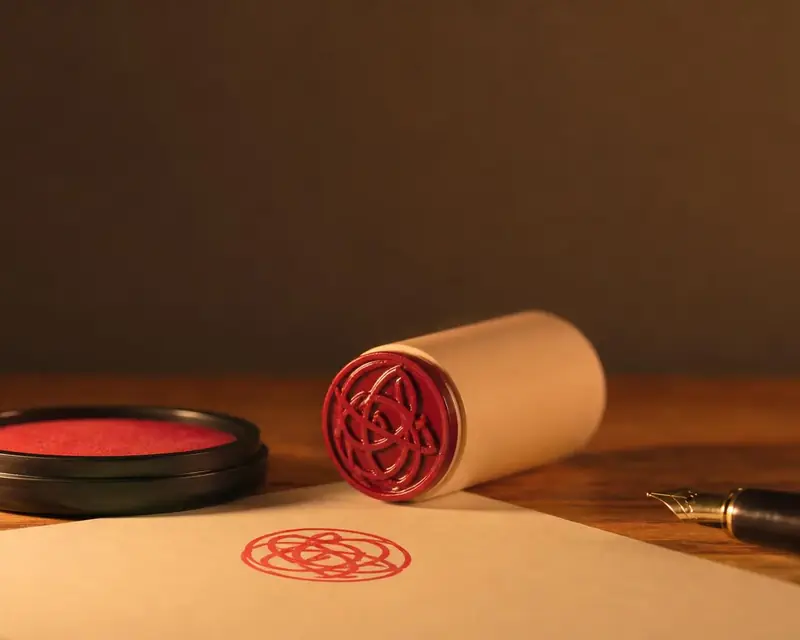 Signature to stamp
 Your name in 3D