A stamp with your signature, made at home
With this tool you turn your signature into a stamp you can 3D print: the stroke is raised on a base and, with an ink pad, you use it like any other stamp. It's great for receipts, notes, business cards, your shop's packaging or invitations.
The relief comes out mirrored, like every stamp, so the signature reads correctly when you stamp it. If what you want is a plaque to display the signature (not to stamp), uncheck "Mirrored".
How to get the signature to come out well
Signatures often have very thin strokes. For the printer to make them, each stroke must be at least 0.8 mm wide: raise the Stroke thickness or make the stamp bigger. The tool warns you if anything is too thin.
If you upload a photo, take it on white paper, with a dark pen (a marker is better) and good light, without shadows. Adjust the threshold until the preview shows a clean signature.
Printing tips
- Material: PLA works; TPU (flexible filament) holds ink better and gives a more even print.
- Layer height: 0.12–0.16 mm so thin strokes come out crisp.
- Print it with the relief facing up, as it comes in the file. The handle prints standing up, with the peg on top, and fits (or glues) into the hole on the back.
- When stamping: use a little ink and even pressure. If ink gets between the strokes, lightly sand the relief face on a flat surface.
Frequently asked questions
Why is the stamp backwards?
Because that's how stamps work: the relief is mirrored so the print on paper comes out the right way round. If you want the signature the right way round (for a plaque or a keepsake), uncheck "Mirrored".
Is my signature stored or sent anywhere?
No. The signature is drawn and converted in your browser; it isn't sent anywhere and we don't store it.
Can I use the stamp as an official signature?
A stamp with your signature is handy for notes, receipts or packaging, but many official procedures require a handwritten signature. Check what each institution accepts before using it on official documents.
What ink should I use?
A regular stamp ink pad works. There are special inks for fabric or cardboard packaging.
Can I use my logo instead of my signature?
Yes: under "Upload photo" you can upload a high-contrast logo. For logos with colors or a background, use the image converter in silhouette mode.
Why is there a download limit?
The tool is free and supported by advertising. Each visit includes 5 downloads; to keep going, open the page again and your signature is kept.
 Your QR in 3D
 Your photo in 3D
 Your map in 3D
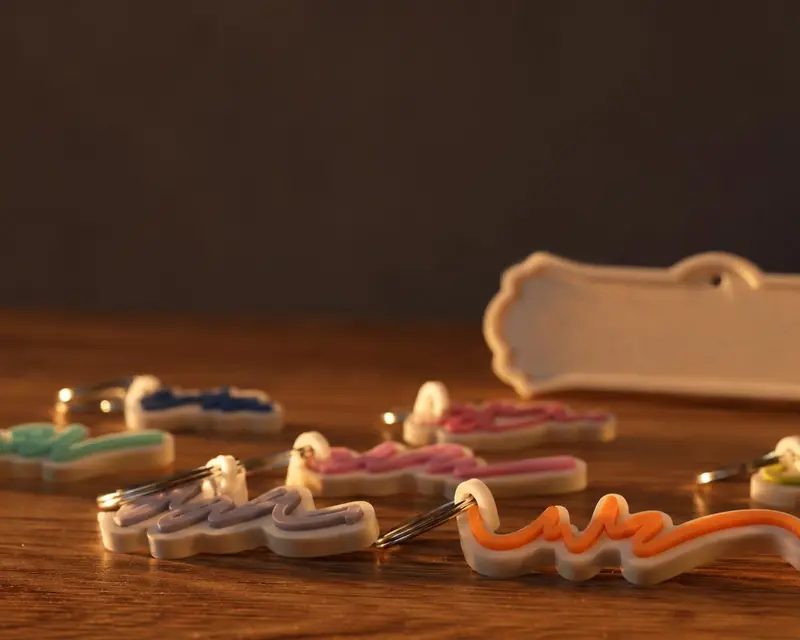 Your name in 3D