Three ways to turn an image into 3D
Relief: each point of the image becomes a height based on its brightness. Light areas rise and dark areas stay low (or the other way around, with "Invert"). It works with any photo and looks great as a wall piece, a plaque or a gift.
Lithophane: a thin panel that shows your photo when light shines through it from behind: where the image is dark, the panel is thick and lets little light through. It's the classic 3D printing gift: portraits, pets, weddings. It can be flat or curved, to put an LED candle or a lamp inside.
Silhouette: detects the outline of the shape and gives it thickness, like a cut-out. It's for high-contrast images: logos, drawings, lettering or PNGs with a transparent background. If your photo has a background, the tool lets you remove it.
Which image works best
When you upload it, the tool checks whether it's a photo, a drawing with few colors or a PNG with a transparent background, and recommends a mode. You can pick another one any time.
For lithophanes, well-lit photos with good contrast give the best results; very dark ones turn into a thick blob. For silhouettes, the ideal is a logo or drawing on a plain background, or a PNG without a background. The background removal button works very well with people and so-so with objects.
Warnings before you print
Below the 3D preview you'll see warnings if something wouldn't print well: parts thinner than 0.8 mm (a standard nozzle can't make them), loose pieces that would print separately, thicknesses that are too thin, or a part bigger than your printer's bed.
Printing tips
- Lithophane: white PLA filament, 100% infill and 0.12–0.16 mm layers. The file comes lying flat; many people print it standing up for finer detail, with a brim so it doesn't tip over. The curved one already comes standing.
- Relief: a light-colored PLA brings out the shadows best. 0.12–0.2 mm layers.
- Silhouette: any PLA or PETG; 0.2 mm layers. If there are several loose pieces, turn on "Join everything with a plate underneath" or print them separately.
- If you have a multi-color printer, on a silhouette with a plate you can do a filament change right where the plate ends.
Frequently asked questions
What is a lithophane?
It's a 3D-printed panel that only shows the image when light shines through it from behind: thick areas look dark and thin ones look light. It's printed in white and placed in front of a window, a lamp or an LED candle.
What's the difference between a relief and a lithophane?
A relief is seen in normal light, through the shadows of its heights: light areas rise. A lithophane is thin and meant to be seen with light behind it: dark areas are thicker. With the same photo you can try both in the 3D preview.
Is my image uploaded to a server?
No. Everything happens in your browser, even background removal. Your photo is never sent anywhere.
How big is the file I download?
It depends on the size and the mode. A lithophane has a lot of detail and its STL can be 10–20 MB; a silhouette is usually under 1 MB. Any slicer opens them without trouble.
Why does my silhouette come out in several pieces?
Because the shape has parts that don't touch, like the dots on an "i" or separate letters. Turn on "Join everything with a plate underneath" so it comes out in one piece, or raise the smoothing to merge parts that almost touch.
Does background removal work with any photo?
It works very well with photos of people and so-so with objects or animals. The first time it downloads the AI engine (about 25 MB) and then it's saved in your browser. If it doesn't look right, try a PNG that already has no background.
Why is there a download limit?
The tool is free and supported by advertising. Each visit includes 5 downloads; to keep going, open the page again and your settings are kept.
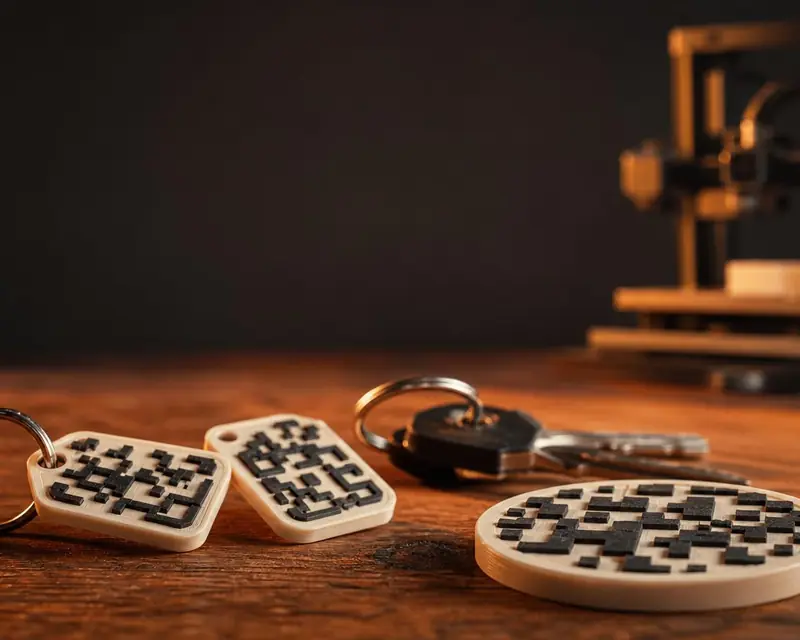 Your QR in 3D
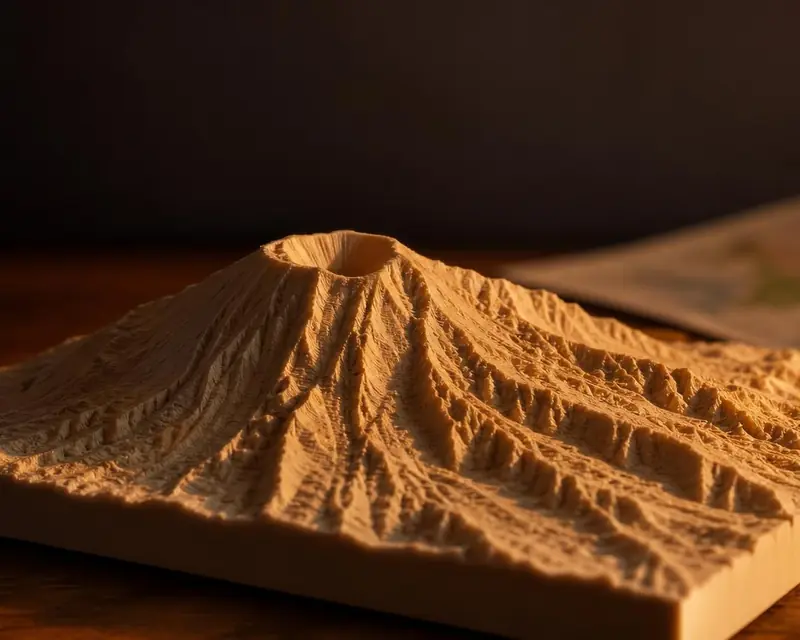 Your map in 3D
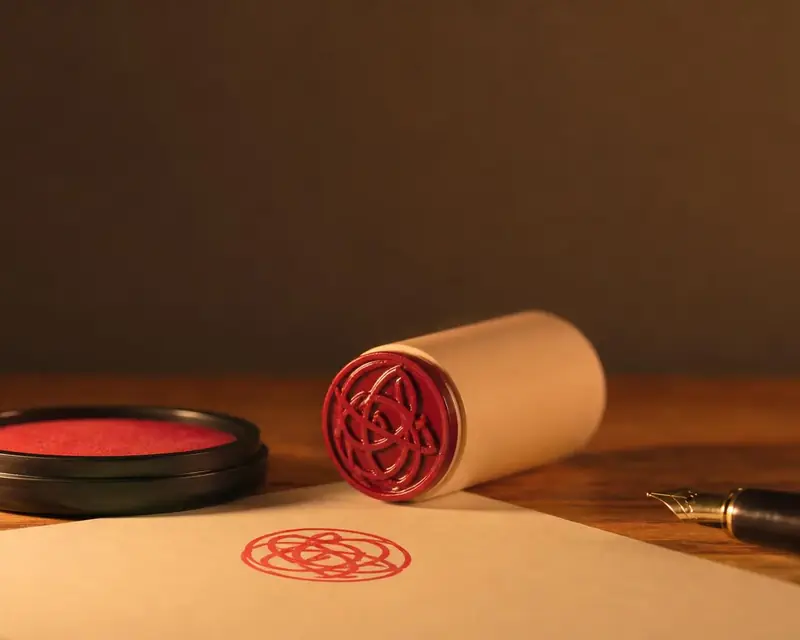 Signature to stamp
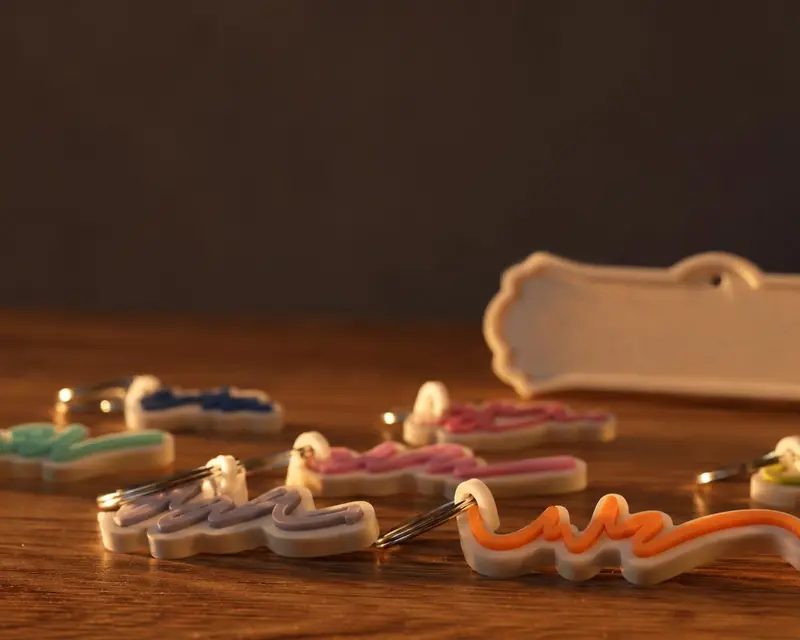 Your name in 3D