Your PNG turned into a part
A PNG with a transparent background already holds the shape's outline: the tool detects it, turns it into a silhouette with thickness and gives you an STL. That's how you get logos for a shop entrance, signs, ornaments, magnets, bookmarks or pieces to glue on a card.
If your image is a JPG or a PNG with a background, it works the same when the background is plain and a different color from the shape: move the threshold until the preview shows only what you want. For photos with a busy background, the "Remove the photo's background" button does it for you.
Silhouette, plate or relief
Silhouette: just the cut-out shape, at the thickness you choose. That's the usual choice for a logo.
Silhouette with a plate: if your logo has letters or parts that don't touch, turn on "Join everything with a plate underneath" and it comes out as one piece. With a single-color printer you can change filament where the plate ends to get it in two colors.
Relief or lithophane: if your PNG is a photo or a shaded drawing, those modes turn brightness into height. You'll find them under "What do you want to make?".
Which PNG works best
The best ones have high contrast and well-defined shapes: flat logos, icons, bold lettering, thick line drawings. Strokes thinner than 0.8 mm can't be printed with a standard nozzle; the tool warns you and you can raise the smoothing or make the part bigger.
Your image isn't uploaded to any server: everything is calculated in your browser, so you can convert clients' logos with peace of mind.
Printing tips
- Thickness: 3 to 5 mm for wall or desk pieces; 2 mm is enough for ornaments or magnets.
- Material: PLA works for almost everything; PETG if it will sit in the sun.
- For a two-color logo: turn on the plate, download the STL and add a filament change right where the shape starts.
- If your logo has very thin lettering, make it bigger or raise the smoothing before printing.
Frequently asked questions
How do I convert a PNG to STL?
Upload your PNG, check the silhouette in the 3D preview, adjust the thickness and size, and download the STL. All on the same page, nothing to install.
Does the PNG need a transparent background?
It's ideal, because the outline comes out perfect. With a plain background, move the threshold; with a busy background, use "Remove the photo's background".
Why does my logo come out in several pieces?
Because it has parts that don't touch, like separate letters or the dots on an "i". Turn on "Join everything with a plate underneath" so it comes out as one piece.
Can I use a JPG?
Yes, if the background is plain and contrasts with the shape. For photos with a background, use the button to remove it.
Is my image uploaded to the internet?
No. Everything happens in your browser, even background removal.
Why is there a download limit?
The tool is free and supported by advertising. Each visit includes 5 downloads; to keep going, open the page again and your settings are kept.
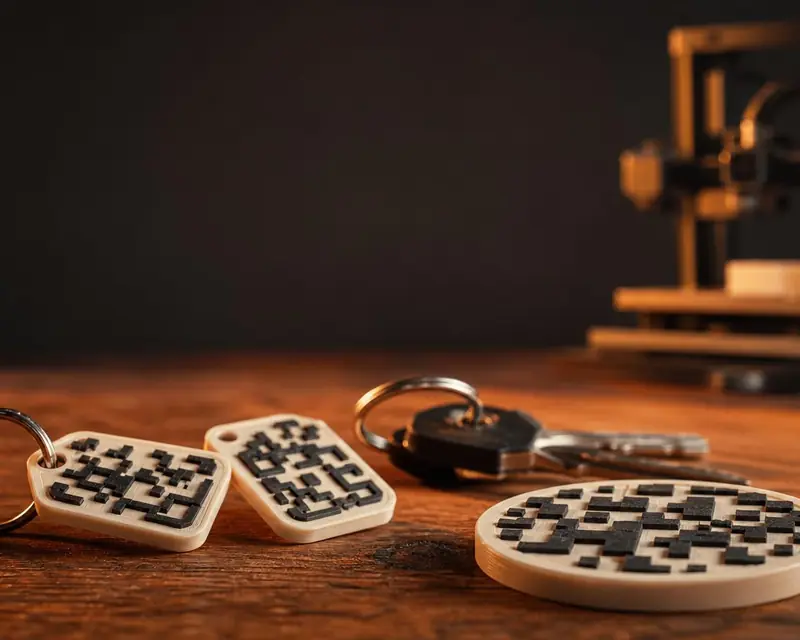 Your QR in 3D
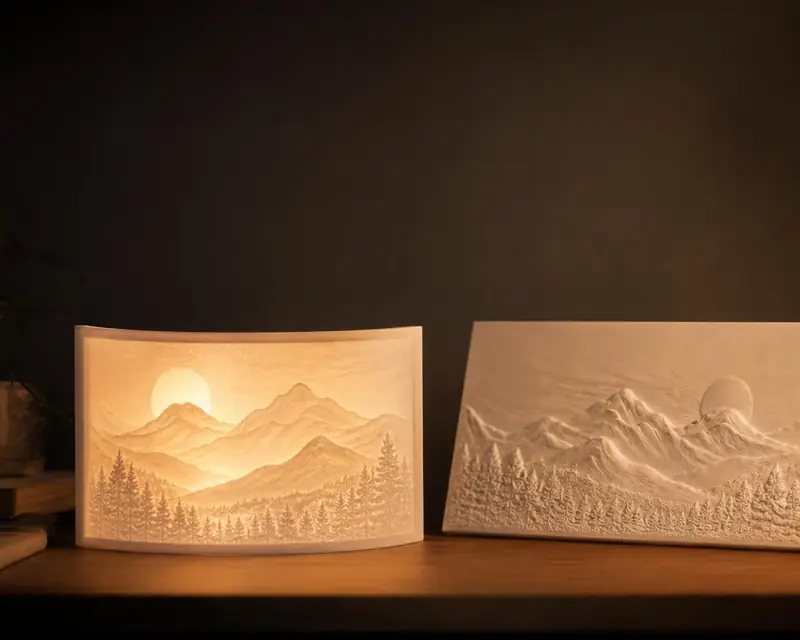 Your photo in 3D
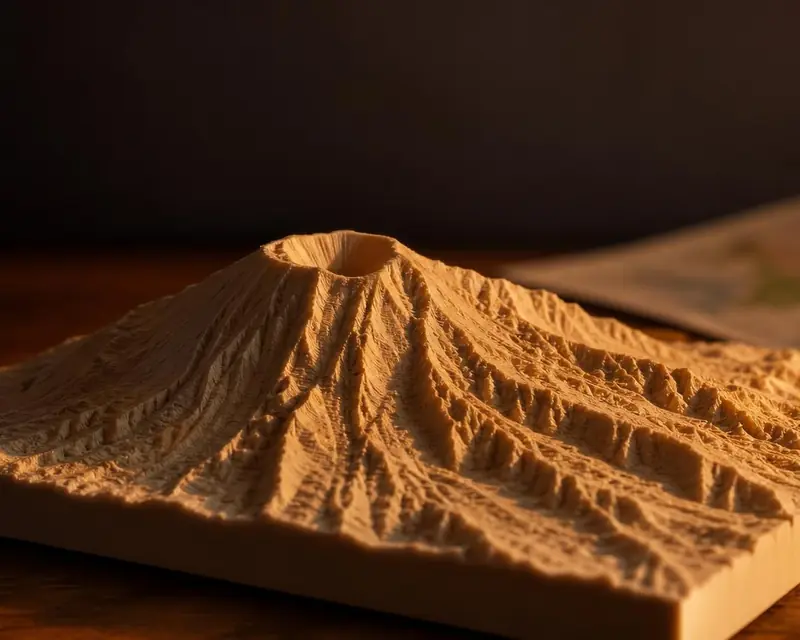 Your map in 3D
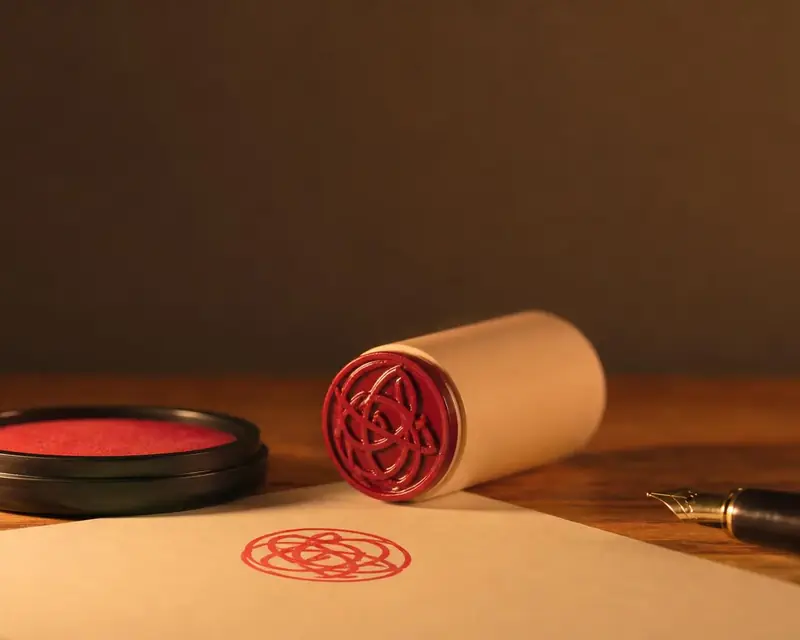 Signature to stamp
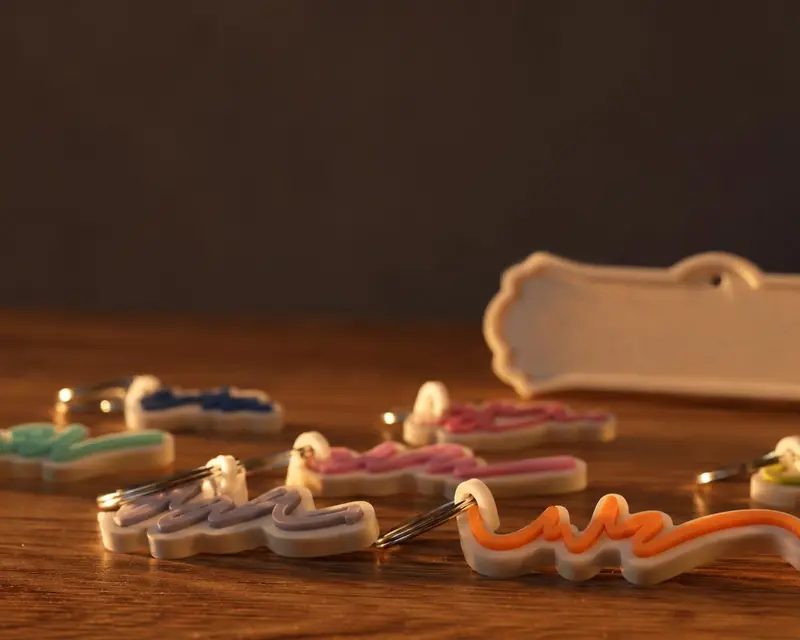 Your name in 3D