Name keychains, signs and 3D letters
Name keychain: the letters sit on a base that follows their shape, with a ring on one side. With the Script font the letters connect and the keychain comes out as a single piece. It's one of the most requested gifts: names, party favors, souvenirs.
Sign: raised text on a plate with rounded corners and, if you like, two holes for hanging. Great for a door, a desk, an office or a shop counter.
Letters: just the text with thickness, no base. To stick on a wall, stand on a cake or on a shelf.
What size to choose
What matters most is that the stroke of each letter is at least 0.8 mm wide (two passes of a standard 0.4 mm nozzle). The tool warns you if any part is thinner; if so, make the text bigger or choose a bolder font like Modern or Sign.
As a reference: a keychain with a short name works well between 60 and 80 mm wide; a door sign, between 120 and 200 mm.
Printing tips
- Two colors with a single nozzle: download the single-piece STL and add a filament change at the height shown below the preview: that's where the letters start.
- With multiple colors (AMS, MMU or similar): download the 2-color file (3MF): the base and letters come already together; just assign a filament to each part.
- Material: PLA for everything; PETG if the keychain will sit in the sun or in a car.
- Layer height: 0.2 mm works well; 0.12–0.16 mm for small or script letters.
- Standalone letters: print them lying flat. If you want them standing, make them at least 5 mm thick.
Frequently asked questions
How do I make a name keychain to 3D print?
Type your name, choose Keychain and a font (Script keeps the letters connected). Adjust the width, check the 3D preview and download the STL. For two colors, use the filament change at the height shown.
Can I use accents, special characters and several lines?
Yes: accents, ñ, numbers and symbols, in up to 3 lines. Each line is centered.
Why do my letters come out in several pieces?
With the Letters shape, each letter that doesn't touch another is a separate piece (including the dots on an "i"). If you want them together, use Keychain or Sign, which join them with a base, or choose the Script font.
Is my text stored anywhere?
No. The file is created in your browser; what you type is never sent anywhere.
Can I sell what I print?
The fonts come from Google Fonts, with open licenses that allow commercial use, including on objects you sell. You create the file yourself with your own text.
Why is there a download limit?
The tool is free and supported by advertising. Each visit includes 5 downloads; to keep going, open the page again and your design is kept.
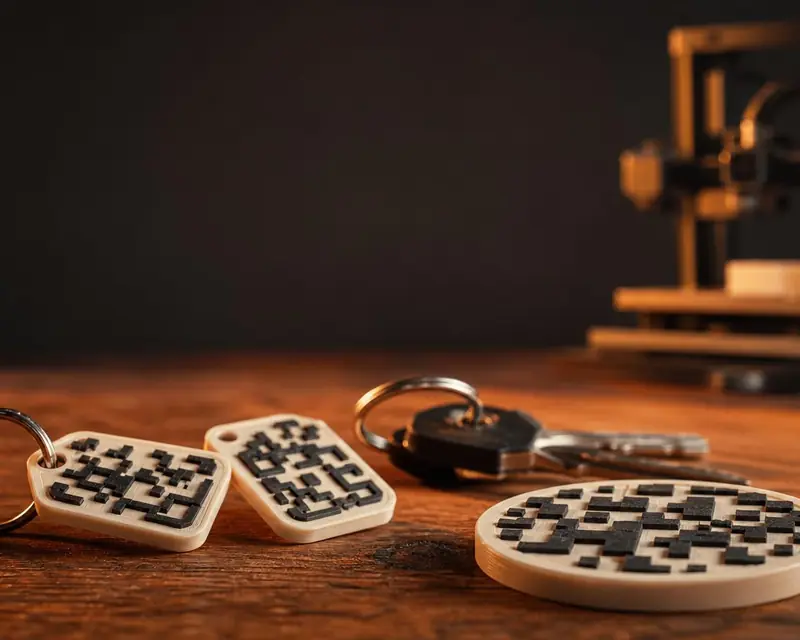 Your QR in 3D
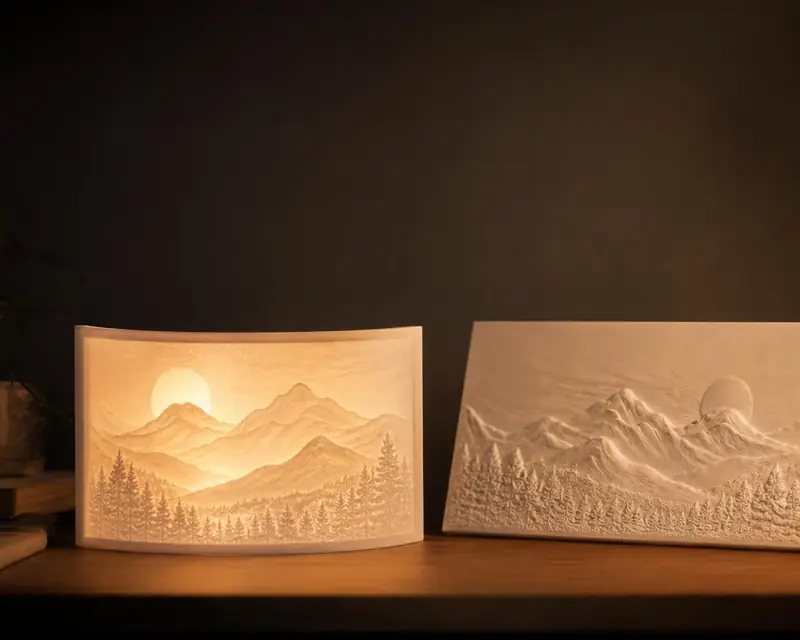 Your photo in 3D
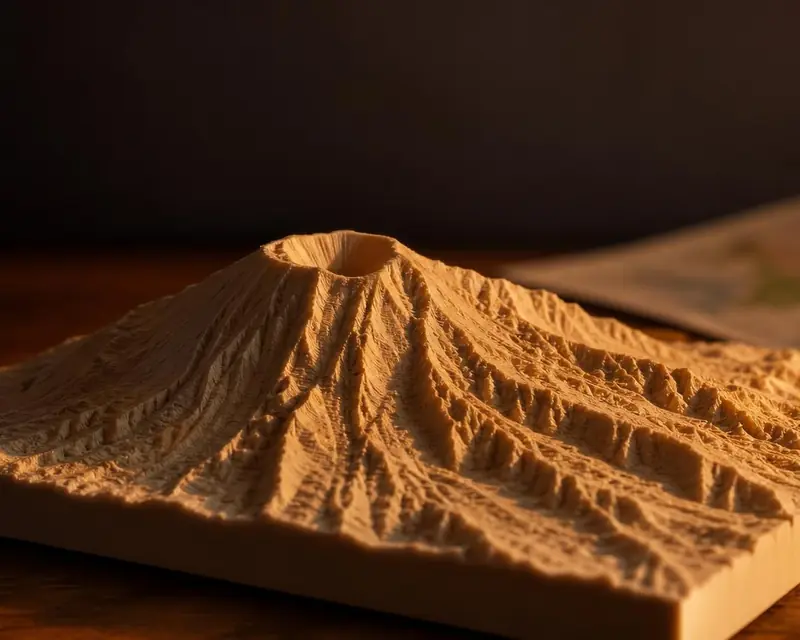 Your map in 3D
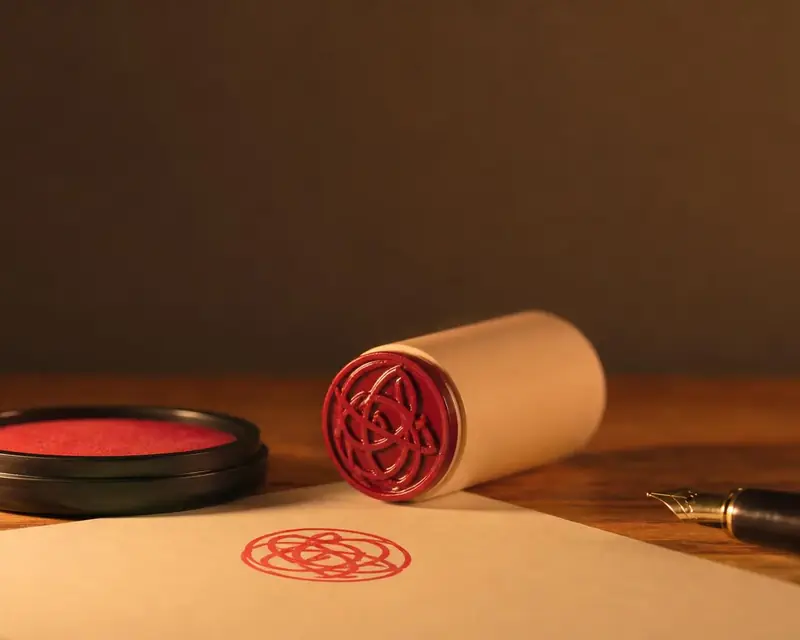 Signature to stamp