The terrain of any place, in 3D
This tool takes real terrain elevations, measured by satellite, and turns them into a part you can print: Mount Fuji, the volcano near your town or the canyon you visited. It makes a great travel keepsake, a gift for a hiker, material for geography class or a model for a project.
You can make it square, like a relief map, or round, like a coaster or a medallion.
Exaggerating the heights
At real scale, almost all terrain looks flat: a 1 km tall mountain in an area 20 km wide is barely a bump. That's why you can exaggerate the heights: ×1.5 or ×2 usually looks natural; flat areas or cities need more. The tool warns you if the part comes out almost flat.
The detail depends on the area: over large areas each point covers tens of meters; in small areas, just a few. For very small places (a street, a building) there's no data that precise. The sea always comes out flat: seafloor data isn't detailed enough to print and would warp the part.
Printing tips
- Layer height: 0.12–0.16 mm makes the slopes look smooth; at 0.2 mm the steps show.
- Color: a light filament (white, gray or sand) brings out the relief's shadows. With a multi-color printer you can change color by height: green at the bottom, brown in the middle and white at the summit.
- Infill: 10–15% is enough; the parts are solid at the bottom.
- Round as a coaster: if it will hold hot drinks, use PETG.
Frequently asked questions
Where do the elevations come from?
From public elevation data measured by satellites and geographic institutes (NASA and USGS SRTM, INEGI for Mexico, Copernicus for Europe and others), compiled in the AWS Open Data Terrain Tiles. They are free to use.
How accurate is it?
For mountains, volcanoes, canyons and ranges, very good. Fine detail is tens of meters, so buildings, trees and streets don't show up.
Why does my city come out almost flat?
Because most cities sit on flat ground. Raise "Exaggerate heights" or zoom out so the surrounding hills fit in.
Can I make an area bigger than the screen?
Yes: zoom out. Whatever is inside the frame is what gets printed, no matter how many kilometers it covers.
Is what I search for stored?
The part is created in your browser. To find a place, the name you type is sent to the OpenStreetMap search service (Nominatim), like on any online map; we don't store it.
Why is there a download limit?
The tool is free and supported by advertising. Each visit includes 5 downloads; to keep going, open the page again and your area is kept.
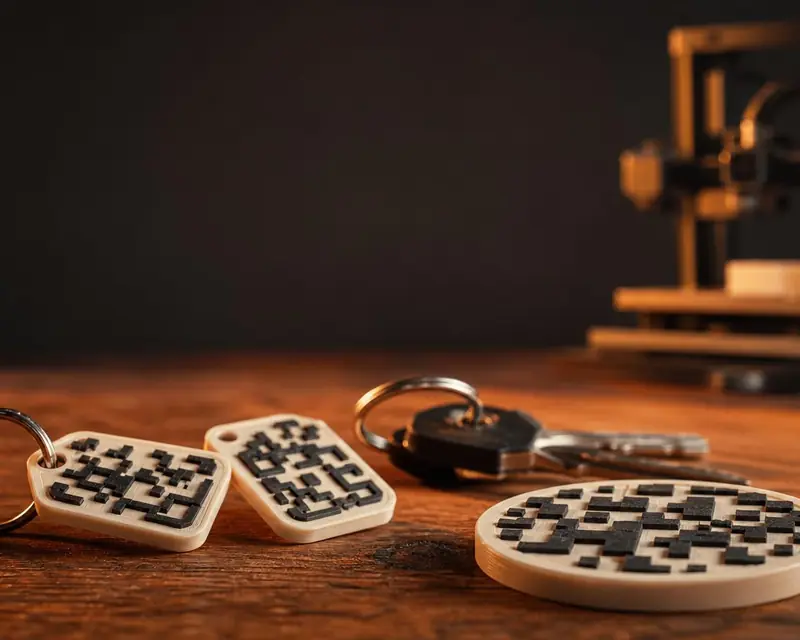 Your QR in 3D
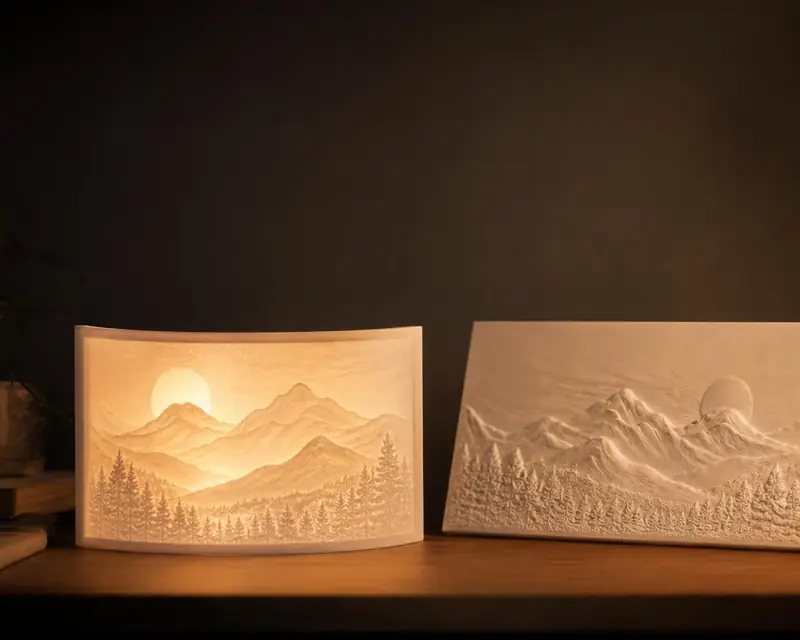 Your photo in 3D
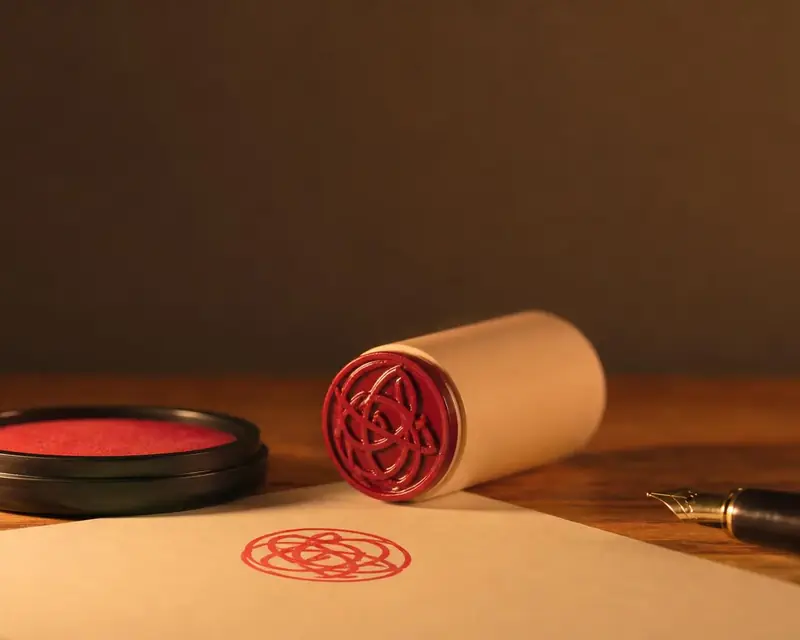 Signature to stamp
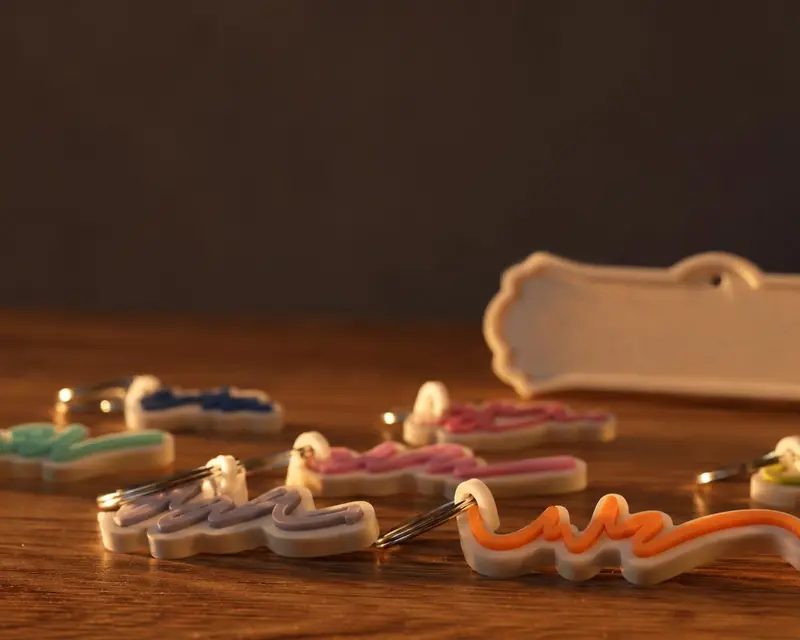 Your name in 3D