A QR code you can print in relief
This tool turns a QR code into a 3D object: a flat base with the code's modules raised on top. Printed in two colors (light base, dark code), any phone can read it with its camera, just like one printed on paper, but it won't get wet or fade, and you can hang it on your keys, put it on the wall or leave it on a table.
What you see in the 2D preview is exactly what gets printed: the module style, the center icon and the text below all go into the relief as they are. Before printing, scan the 2D preview with your phone to make sure it opens what you expect.
What the QR can hold
Link: your website, your menu, your Instagram profile or your Google business page so people can leave reviews. If you don't type "https://", we add it.
Wi-Fi: whoever scans it connects without typing the password. Great for a business or your living room. Keep in mind that anyone who sees it can connect.
Contact: saves your name, phone number and email straight into the contacts of whoever scans it.
WhatsApp: opens a chat with you, with a pre-written message if you like. Perfect for businesses that take orders on WhatsApp.
What size to choose so it scans
What decides whether a QR code reads isn't the size of the object but the size of each module (each little square). With a standard 0.4 mm nozzle, below 1.5 mm per module the corners round off and the code blurs. The tool shows you the size live and warns you if it's too small.
The longer the link, the more modules the QR has and the smaller each one gets. If your keychain is borderline, use a shorter link (for example, your site's main address instead of a very long one) or make the object bigger. As a reference, a short link fits well on a 50 mm keychain; for a full contact card, a sign works better.
Printing tips
- Material: PLA for keychains and indoor signs. For a coaster for hot drinks, use PETG: PLA starts to soften around 60 °C and a freshly poured cup can warp it.
- Layer height: 0.2 mm works well. For small keychains, 0.12–0.16 mm gives cleaner corners.
- Colors: a light base with a dark code reads best (white and black is ideal). Avoid shiny silk or translucent filaments for the code: the reflection confuses the camera.
- With a single nozzle: download the single-piece STL and, in your slicer, add a filament change (or pause) at the height shown below the preview: that's where the relief starts.
- With multiple colors (AMS, MMU or similar): download the 2-color file (3MF): the base and code come already together; just assign a filament to each part.
- Print it with the QR facing up, as it comes in the file: it doesn't need supports.
Frequently asked questions
What is an STL file?
It's the most common 3D printing format: it describes the object's shape with triangles. Free programs like Cura, PrusaSlicer, Bambu Studio or OrcaSlicer open it and prepare it for your printer.
Can I print the QR in two colors on a single-color printer?
Yes. Download the single-piece STL and add a filament change (or a pause) at the height the tool shows you. The printer makes the base, stops, you swap the filament and it continues with the relief in the other color.
How big does the QR need to be to scan?
What matters is the size of each module: at least 1.5 mm with a 0.4 mm nozzle. The tool shows it live. If it's smaller, make the object bigger or shorten the link.
Will the QR stop working over time?
No. The QR stores the link or data inside the pattern itself; it doesn't go through our site and it doesn't expire. It would only stop working if the page it points to disappears or changes address.
Is it safe to put my Wi-Fi in a QR code?
The QR contains the network name and password as they are, so anyone who scans it can connect. Use it where you want to give access (a business, your living room) and, if your router allows it, put visitors on a guest network.
Is my data uploaded to a server?
No. The QR and the 3D file are created in your own browser. What you type (links, passwords, phone numbers) and any logo you upload are never sent anywhere.
Can I put my logo in the center?
Yes. It becomes a single-color silhouette, because the relief prints in the code's color. It works best with simple logos or PNGs with a transparent background. With a logo in the center the QR uses more error correction, but it's worth scanning it before printing.
Can I download just the QR as an image, without 3D printing it?
Yes. Under "What do you want to make?" choose Image. You get two buttons: Download image (a PNG, for WhatsApp, social media or printing on paper) and Download in high quality (an SVG, which scales without pixelating: ideal for professional printing, banners or your menu). Both use your colors and your icon.
Why is there a download limit?
The tool is free and supported by advertising. Each visit includes 5 downloads; to keep going, open the page again and your design is kept.
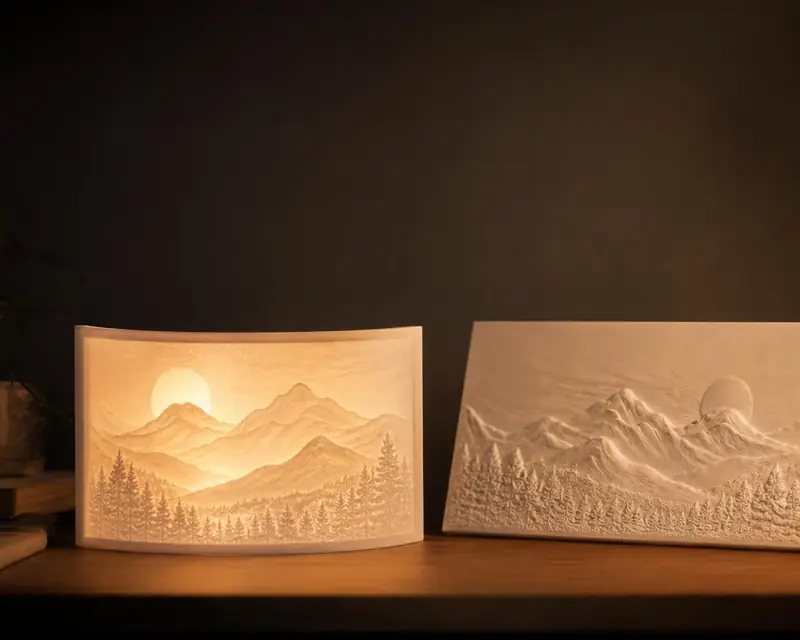 Your photo in 3D
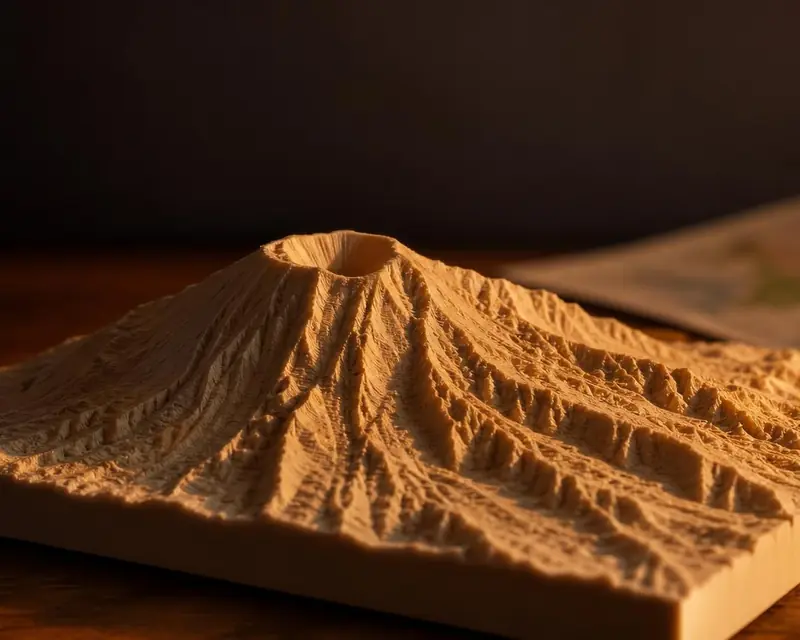 Your map in 3D
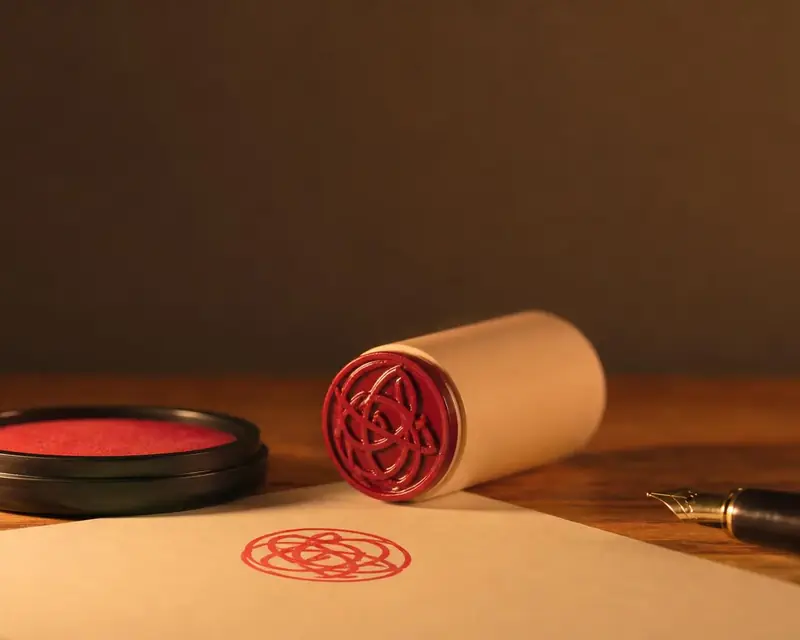 Signature to stamp
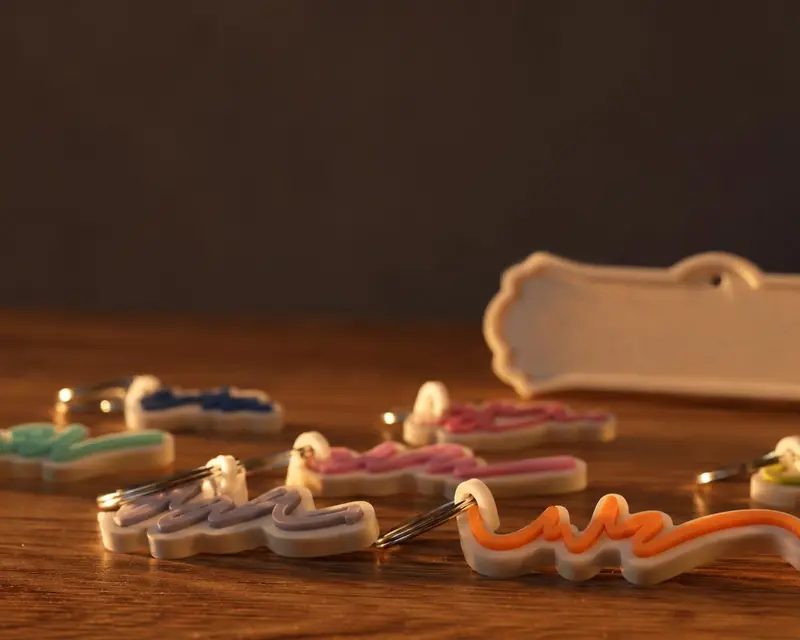 Your name in 3D