Why convert STL to 3MF
3MF is the format Bambu Studio, PrusaSlicer, Orca and Cura use today. Compared with STL it's smaller (compressed, without repeated vertices), it states the unit (millimeters, so no accidentally tiny or giant parts) and it keeps the part's name.
If you share your designs or upload them to a model site, a 3MF downloads faster and arrives at the right size.
What's in the 3MF you download
Your part as one object, with its triangles, in millimeters and sitting on the bed. It doesn't carry print settings (temperatures, infill): you set those in your slicer, just like with an STL.
If you want to print in two colors, our QR and name converters already give you a 3MF with both parts separated.
Tips
- If your STL is in inches (common with some US files), choose "Inches" under Units before downloading.
- If the tool warns about holes, the 3MF will have them too: repair them in your slicer.
- A 50 MB STL usually ends up as a 10–15 MB 3MF.
Frequently asked questions
Is 3MF better than STL?
For printing, yes: it's smaller, keeps the unit and can hold multiple parts, colors and settings. STL is still the most compatible.
Which programs open 3MF?
Bambu Studio, PrusaSlicer, OrcaSlicer, Cura, Creality Print and most current slicers.
Is quality lost when converting?
No. The same triangles are kept; they're just stored more compactly.
Is my file uploaded to the internet?
No. It converts in your browser.
Why is there a download limit?
The tool is free and supported by advertising. Each visit includes 5 downloads; to keep going, open the page again.
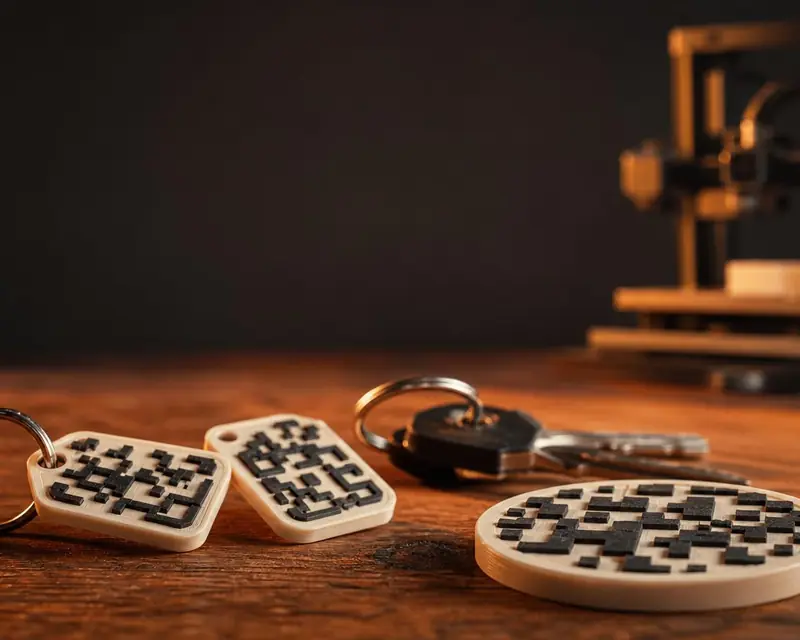 Your QR in 3D
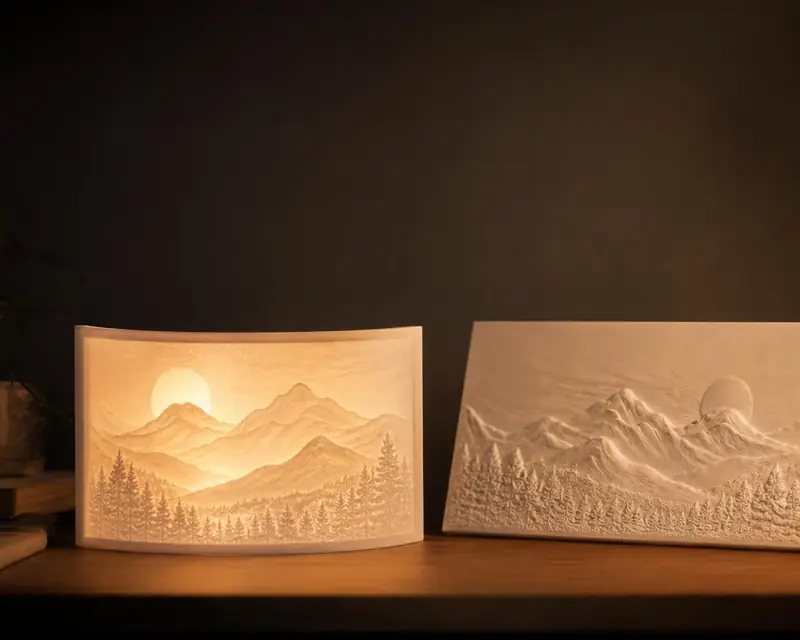 Your photo in 3D
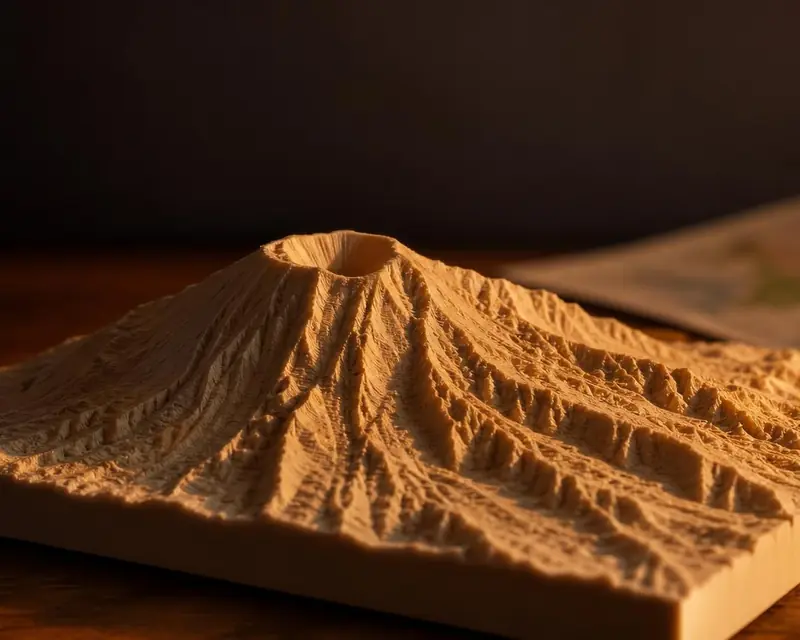 Your map in 3D
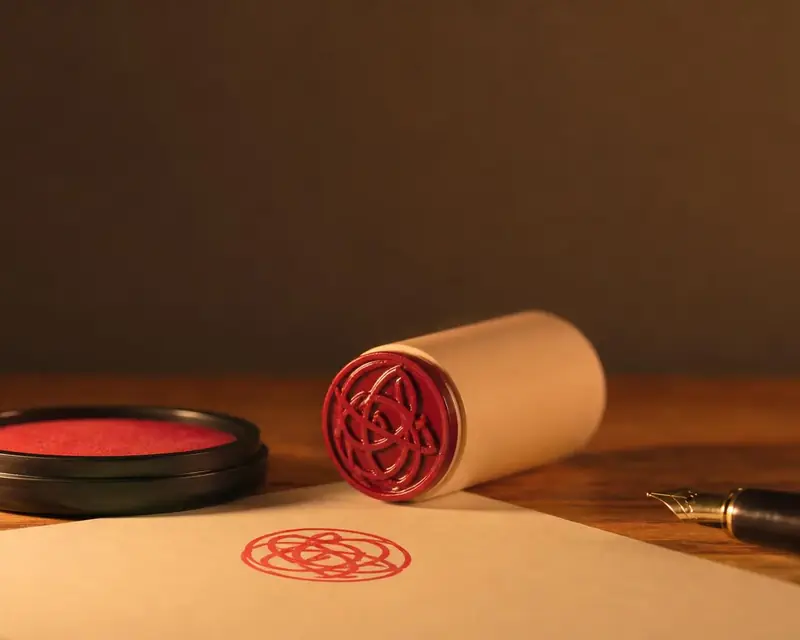 Signature to stamp
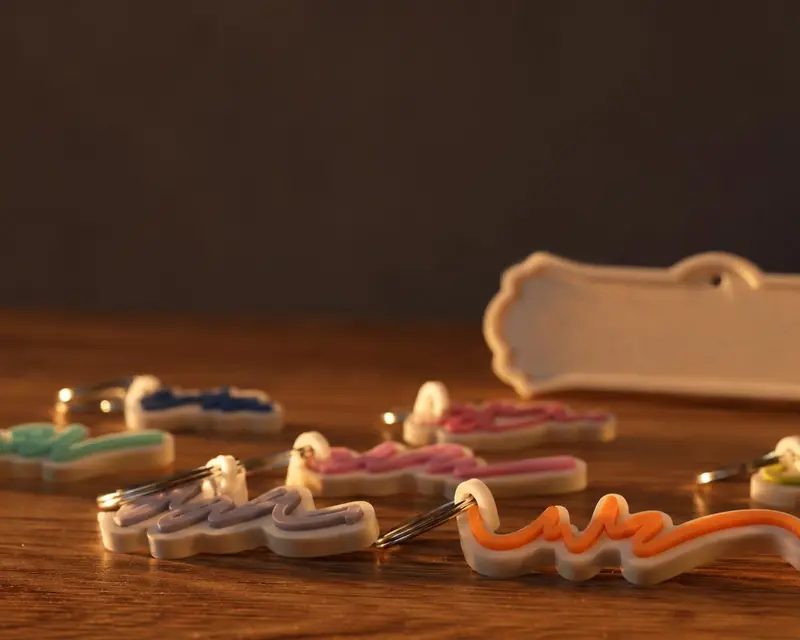 Your name in 3D