From GLB to STL for printing
GLB is the 3D model format of the web: AI model generators (photo or text to 3D), sites like Sketchfab, online viewers and many video games use it. It looks great on screen, but slicers want STL.
The tool reads the GLB, puts all its parts together with their position and rotation, and gives you an STL. Textures, colors and animations are left out, because the printer only needs the shape.
Why other converters make it huge or lying down
The glTF format stores measurements in meters with the Y axis up; 3D printing works in millimeters with Z up. Here it's fixed automatically: the model arrives in millimeters and standing. If you still want it lying down, uncheck "Stand it up".
A model that measures 1.70 m in the viewer (a life-size figure) will arrive at 1,700 mm: that's normal. Scale it in your slicer or with our STL scaler.
AI models: what to check
Models generated by AI often have holes, loose faces or floating parts. The tool checks the mesh and warns you. Almost every slicer repairs small holes; for figures with very fine details (fingers, hair) it's worth scaling them up before printing.
Tips
- If the GLB is Draco-compressed (some Sketchfab downloads are), export it again without compression: the browser can't read it.
- For printed figures, 10–15 cm tall is a good size for details to show.
- AI models have lots of triangles: if the file is over 4 million, simplify it in Blender first.
- If the model has a flat base, print it on that; if not, your slicer will add supports.
Frequently asked questions
What is a GLB file?
It's the binary (single-file) version of glTF, the standard for 3D models on the web and in augmented reality. It stores shape, textures, materials and animations.
Does it work with AI-made models?
Yes. Image-to-3D generators export GLB; here you convert it to STL and check for holes before printing.
Why is my model so big?
Because GLB stores measurements in meters and here they're converted to millimeters: a 1.7 m figure arrives at 1,700 mm. Scale it to whatever you want to print.
Can I use .gltf files?
Yes, if everything is embedded. If the .gltf comes with a separate .bin, export it as .glb, which bundles everything in one file.
Is my model uploaded to the internet?
No. It's read and converted in your browser.
Why is there a download limit?
The tool is free and supported by advertising. Each visit includes 5 downloads; to keep going, open the page again.
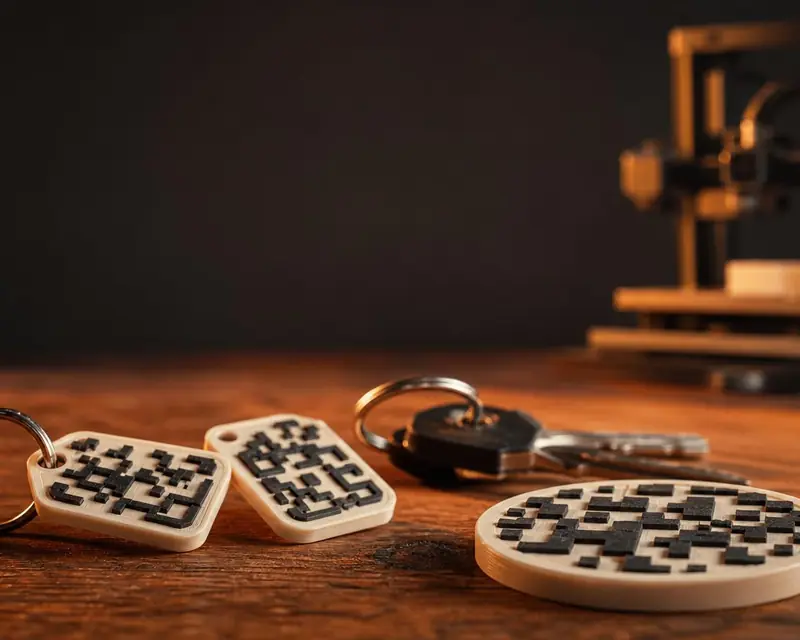 Your QR in 3D
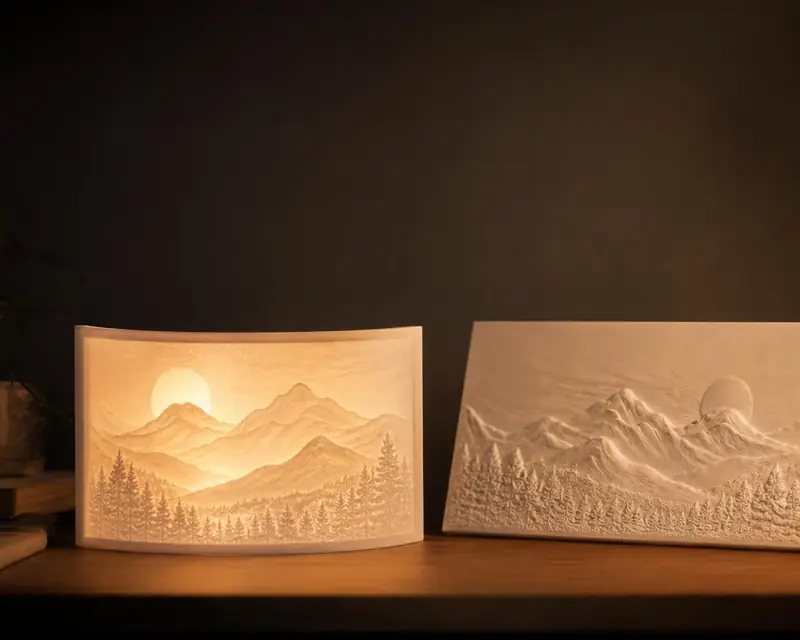 Your photo in 3D
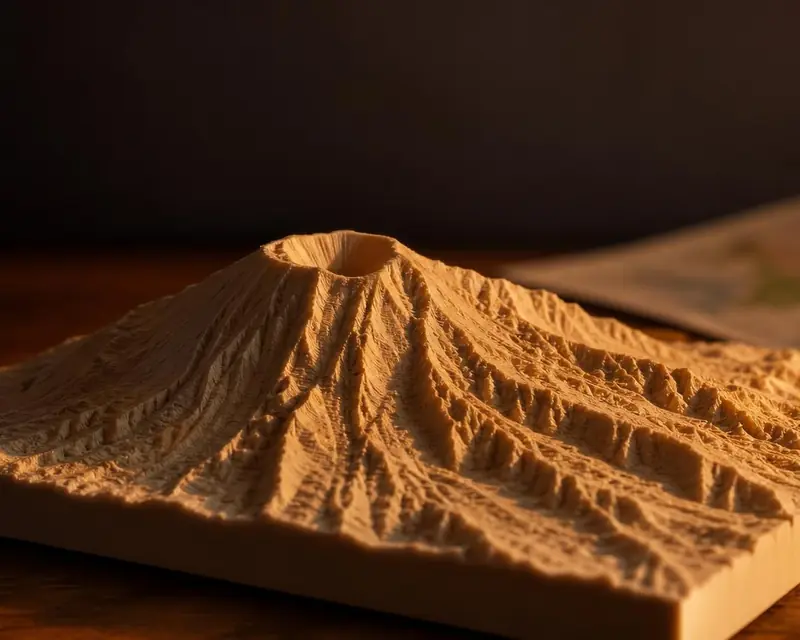 Your map in 3D
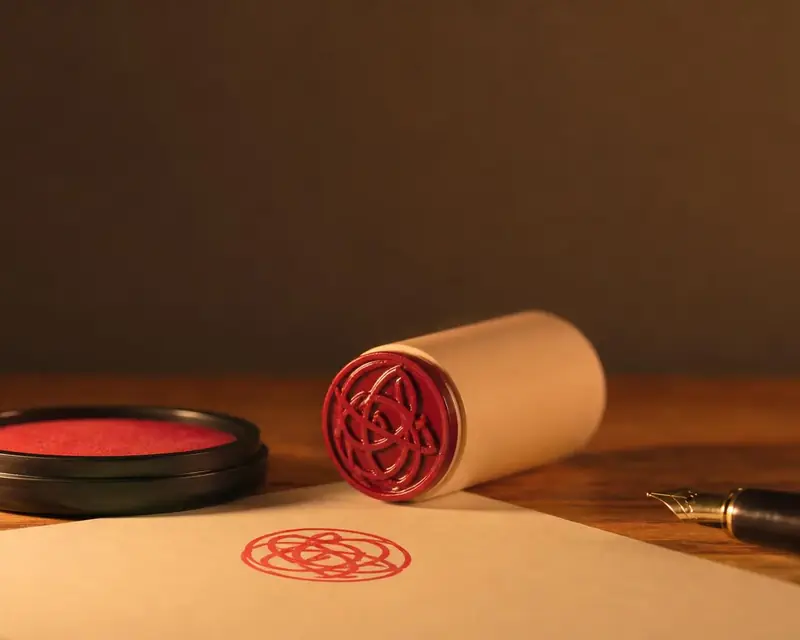 Signature to stamp
 Your name in 3D