A plaque with their song
Song plaques mimic a music player screen: the song's name, the artist, the progress bar with its times and the buttons. At the bottom there's a QR code that opens the song when scanned with a phone.
They're one of the most requested gifts for anniversaries, birthdays and Valentine's Day. Here you put one together in a minute and download it ready to print, with no brand logos.
The QR code only scans in two colors
A QR code needs contrast: if the plaque and the relief are the same color, the phone won't read it. That's why it's best to print it in two colors: the 3MF file already has both pieces separate, with their colors, for printers with automatic color changes (AMS, MMU).
With a single nozzle you can do it too: download the STL and add a filament change in your slicer at the layer where the relief starts. The printer pauses, you swap the color and it carries on.
For the QR code to work
- Each little square should be at least 1.2 mm: with long links, make the plaque wider.
- High-contrast colors: black and white, navy and cream.
- Test the QR code in the preview before printing: point your phone's camera at the screen.
Printing tips
- Print it lying flat, relief facing up, as it comes in the file.
- Layers of 0.12 to 0.16 mm make small letters and QR squares come out cleaner.
- Dark plaque and light relief (or the other way round): the QR code scans either way as long as there's contrast.
- To stand it up, print a simple stand or use the hole to hang it with a ribbon.
Frequently asked questions
Which apps does the QR code work with?
Any: the QR code stores whatever link you paste. It can be Spotify, YouTube, Apple Music, Deezer or any web page. When scanned, the phone opens that link.
Why won't my plaque's QR code scan?
It's almost always contrast: print it in two colors. If it's already two colors, check the squares didn't merge (finer layers or a wider plaque help).
Can I put a dedication instead of the artist?
Yes: the second line is free. Put the artist, a date or a short phrase.
Does it have the Spotify logo?
No. The plaque has no brand logos: just your text, the player and the QR code.
Is my data uploaded to the internet?
No. The plaque is calculated in your browser; the link and the text aren't sent anywhere.
Why is there a download limit?
The tool is free and supported by ads. Each visit includes 5 downloads; to keep going, open the page again.
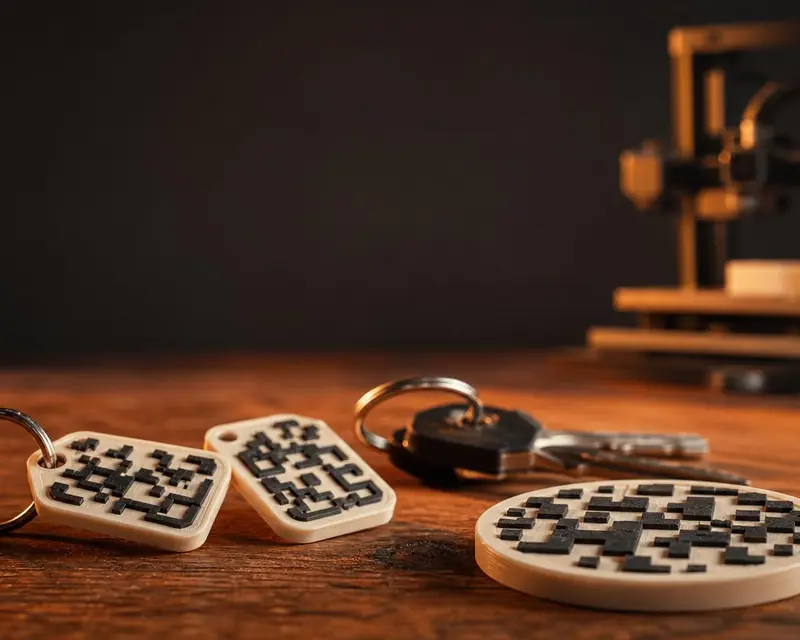 Your QR in 3D
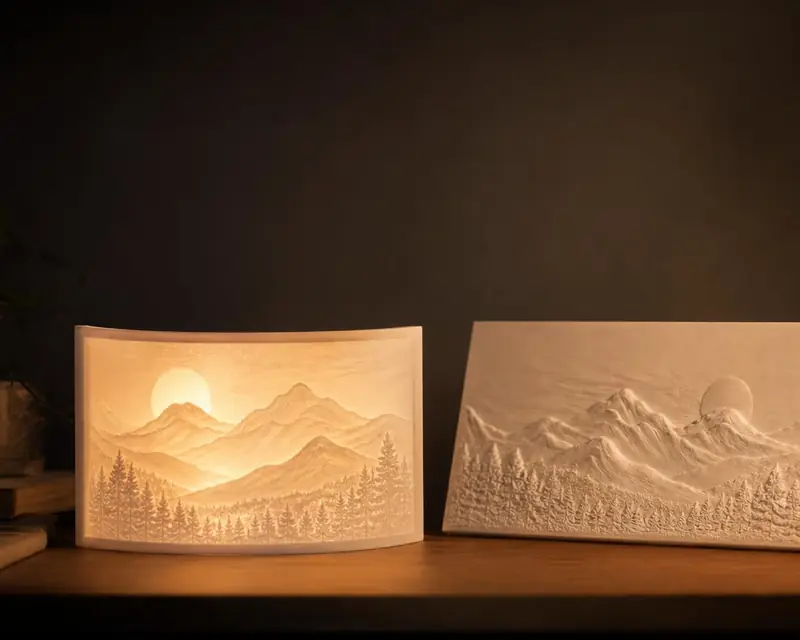 Your photo in 3D
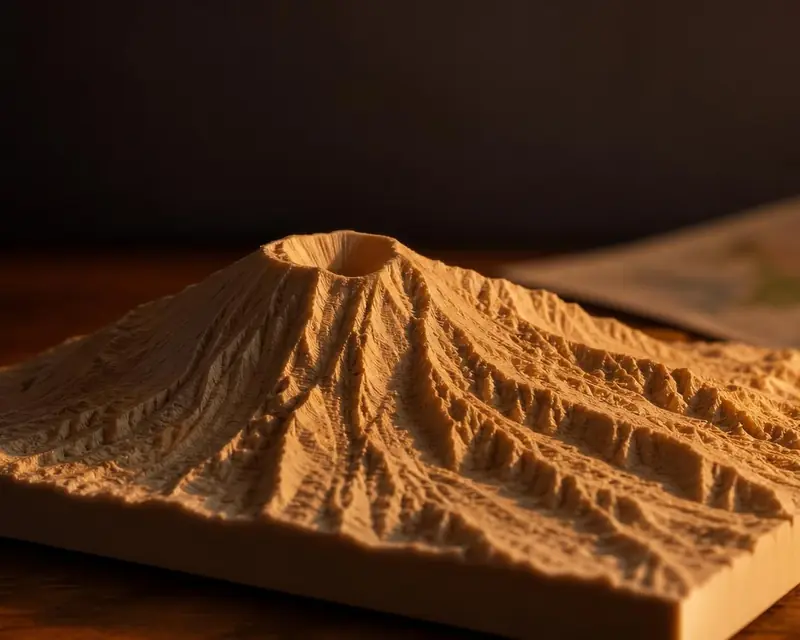 Your map in 3D
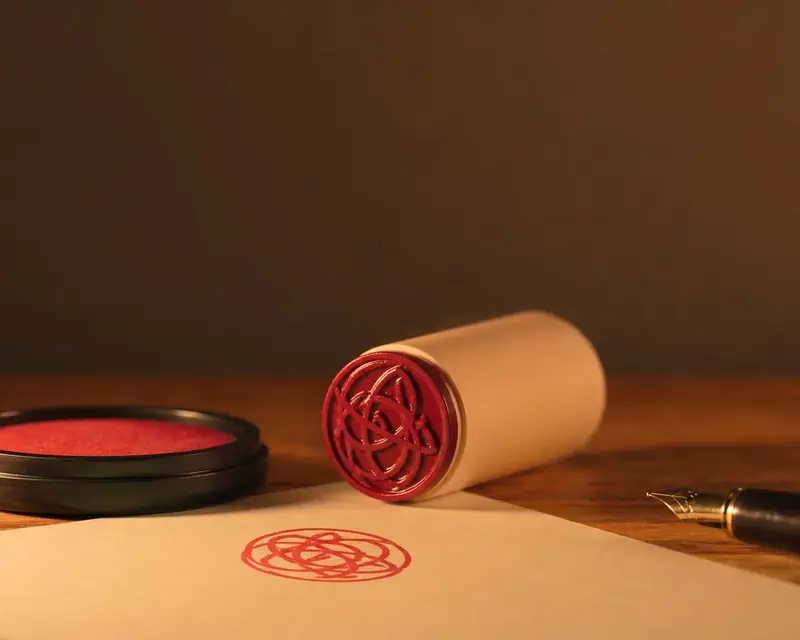 Signature to stamp
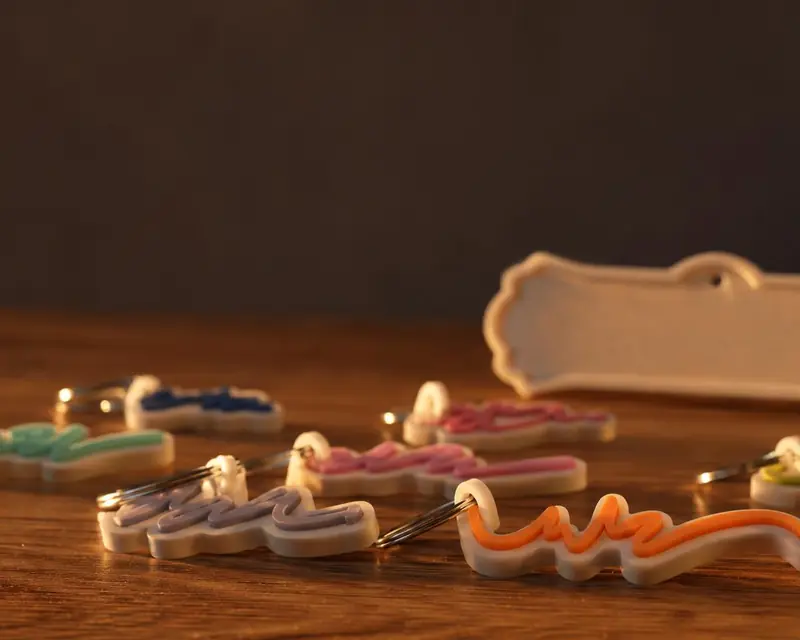 Your name in 3D
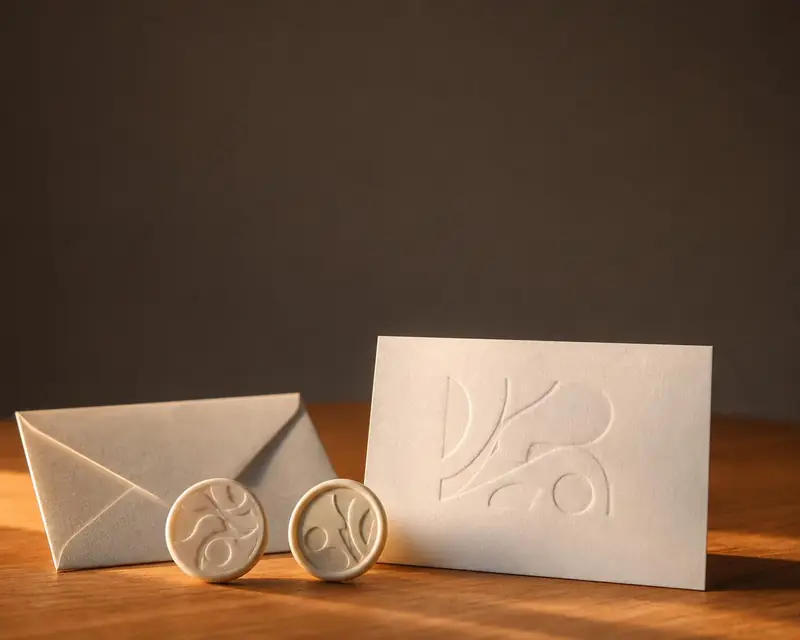 Embossing stamp
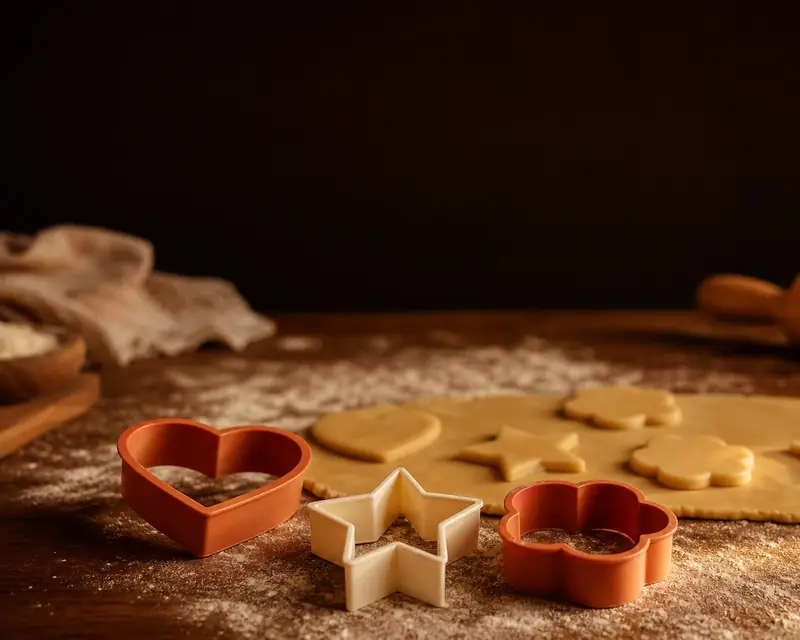 Cookie cutter
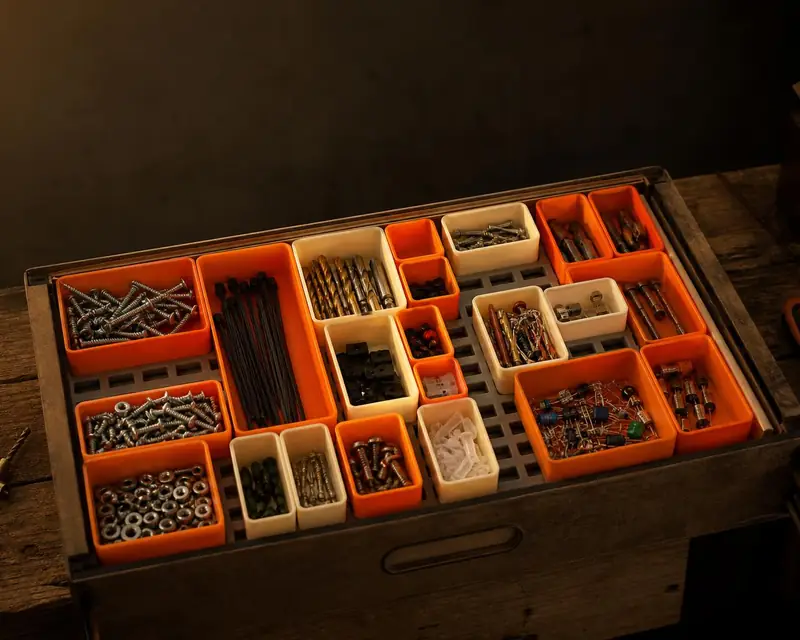 Gridfinity bins
 Gears
 Stencil