Why simplify
3D scans, photogrammetry and AI-generated models often come with millions of triangles: the file weighs hundreds of megabytes, the slicer is slow to open it and the printer can't render that much detail anyway. Reducing to 20 or 30% is barely noticeable on the printed part.
The tool merges points that are very close together and removes the leftover triangles. You see the result in 3D before downloading.
How much to reduce
- Scans and AI models: 20 to 40%.
- Parts with fine detail (small text, textures): 50 to 70%.
- Simple models (boxes, flat parts): they gain almost nothing; they stay about the same.
Good to know
Details smaller than the merge size are lost, so it's worth checking the preview. Parts with few triangles, like ones with straight shapes, can't be reduced much without distorting.
Tips
- Check fine edges in the preview before downloading.
- If your slicer chokes on a scan, start at 30%.
- Simplify before scaling: the result is the same and it's faster.
- Keep the original file: simplifying can't be undone.
Frequently asked questions
Is quality lost?
A little: the finest details. With scans and AI models, reducing to 20–40% is barely noticeable when printed, because the printer can't render that much detail.
How heavy can the file be?
Up to about 4 million triangles; more than that doesn't fit well in the browser's memory.
Why does my model barely reduce?
Because it already has few triangles, like parts with straight shapes. There isn't much to remove without distorting it.
Is my file uploaded to the internet?
No. It's read and simplified in your browser; it isn't sent anywhere.
Why is there a download limit?
The tool is free and supported by ads. Each visit includes 5 downloads; to keep going, open the page again.
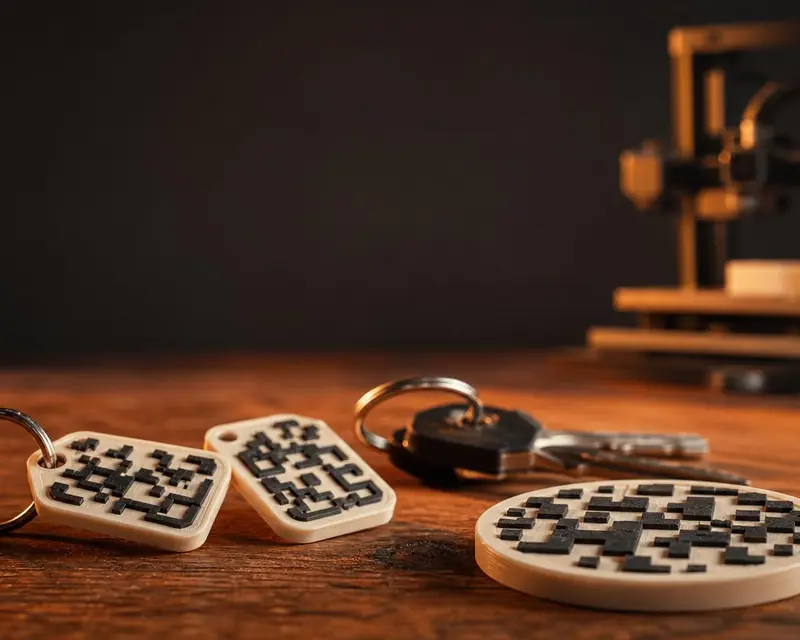 Your QR in 3D
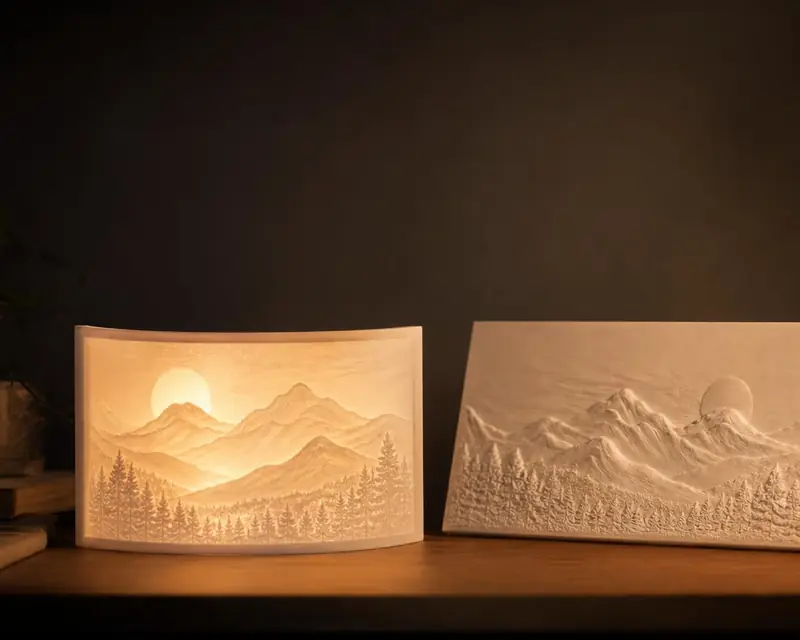 Your photo in 3D
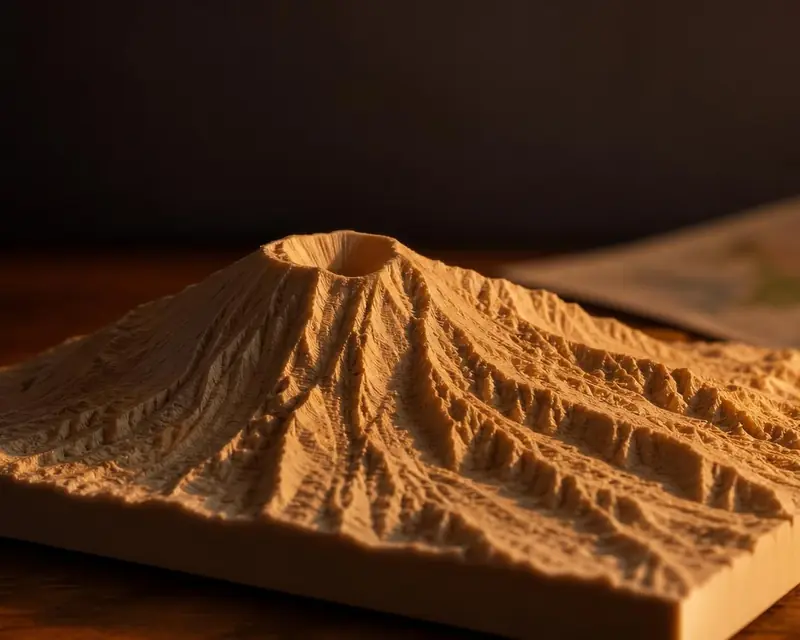 Your map in 3D
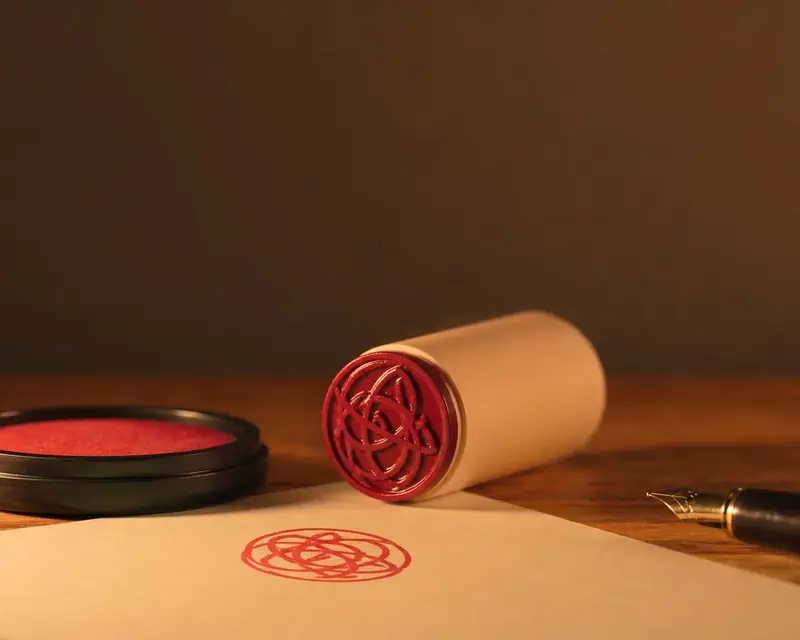 Signature to stamp
 Your name in 3D
 Embossing stamp
 Cookie cutter
 Song plaque
 Gridfinity bins
 Gears
 Stencil