Your cookie cutter, any shape
With a 3D printer you can have cookie cutters in any shape you want: your business logo, a party character, someone's initial or your kids' drawing. The tool takes the shape's outer outline and turns it into a thin wall that cuts the dough.
At the bottom there's a wider flange that makes the cutter sturdy and lets you press without hurting your hand. It prints that way, flange on the bed and cutting edge up, without supports.
Which drawing works best
A simple, bold silhouette: rounded shapes, no very thin points or parts hanging by a thread. Inner details (eyes, lines) aren't cut: the cutter follows only the outer edge and the cookie comes out whole.
If your drawing has parts very close together or thin points, raise Smooth outline under "More settings": it rounds the points and joins what's too close, so the dough comes out clean.
Sizes that work
- Size: 50 to 90 mm for regular cookies. Smaller than 40 mm loses detail.
- Height: 12 to 15 mm is enough for dough 5 to 8 mm thick.
- Wall: 1.2 mm cuts well and holds up. With a 0.4 mm nozzle don't go below 0.8 mm.
Printing and usage tips
- Print it with the flange on the bed, as it comes in the file, without supports or special infill.
- For food, use food-grade PLA or PETG (natural, without unusual pigments) if you can find it, and wash it by hand with warm soapy water.
- Don't put it in the dishwasher or in very hot water: PLA starts to warp around 60 °C.
- Flour the edge before cutting: the dough releases more easily.
- If you'll use it a lot, print a new one each season: layer lines trap residue over time.
Frequently asked questions
Is it safe to use a 3D printed cutter with food?
For brief contact, like cutting dough, most people use them without problems. The safest option is to print it in food-grade PLA or PETG, wash it by hand and not leave dough in the layer lines. If you're worried, cover the dough with plastic wrap before cutting.
Why aren't the inner details of my drawing cut?
Because the cutter follows only the outer edge: that way the cookie comes out whole. Details can be marked afterwards with a toothpick or a separate stamp.
What size should I use?
50 to 90 mm for regular cookies. Very small ones lose detail and very big ones break when you lift them off the tray.
Can I make a cutter with a name?
Yes, in the "Text" tab. Bold letters (Modern or Sign) work best; with "Smooth outline" the letters join into a single shape.
Is my drawing uploaded to the internet?
No. The cutter is calculated in your browser; your drawing isn't sent anywhere.
Why is there a download limit?
The tool is free and supported by ads. Each visit includes 5 downloads; to keep going, open the page again.
 Your QR in 3D
 Your photo in 3D
 Your map in 3D
 Signature to stamp
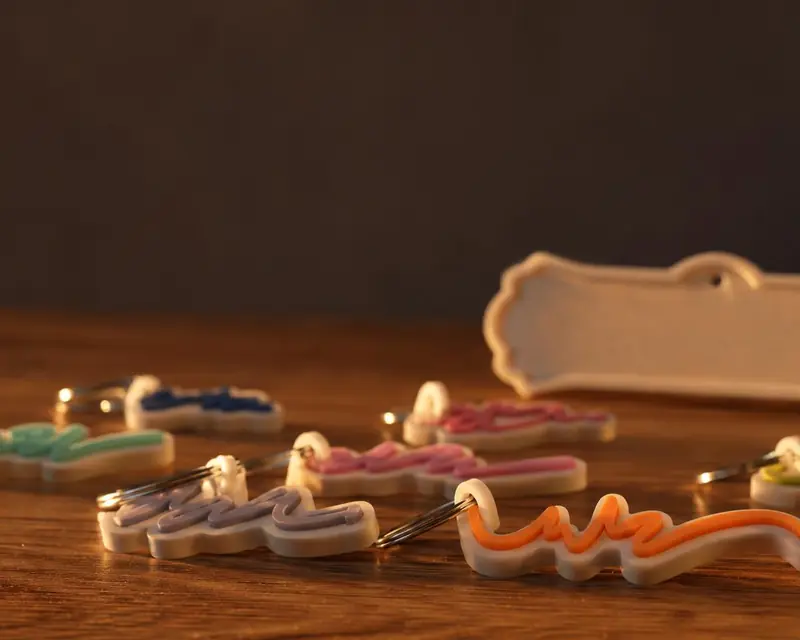 Your name in 3D
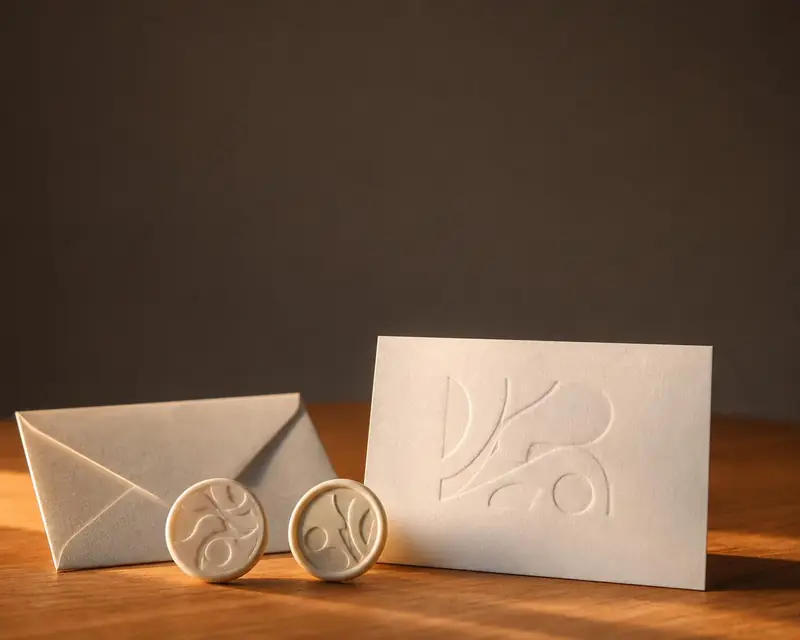 Embossing stamp
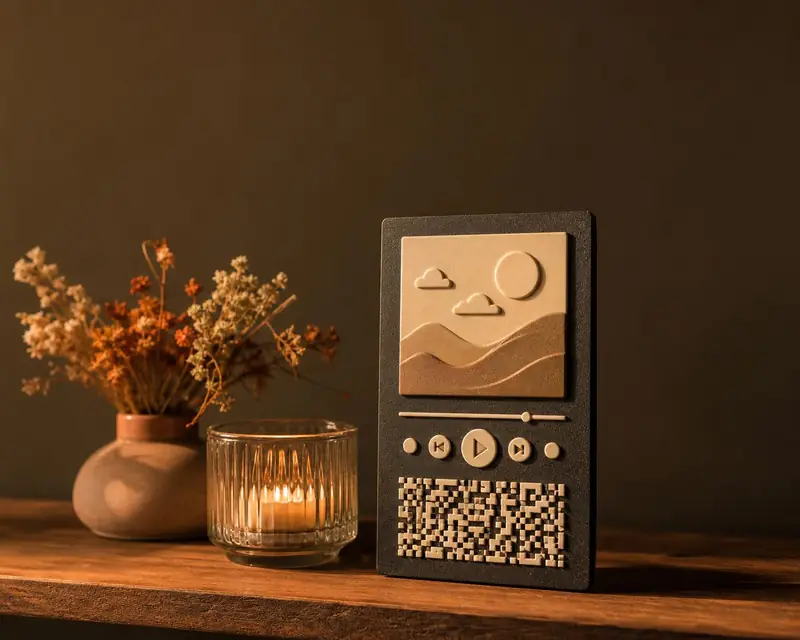 Song plaque
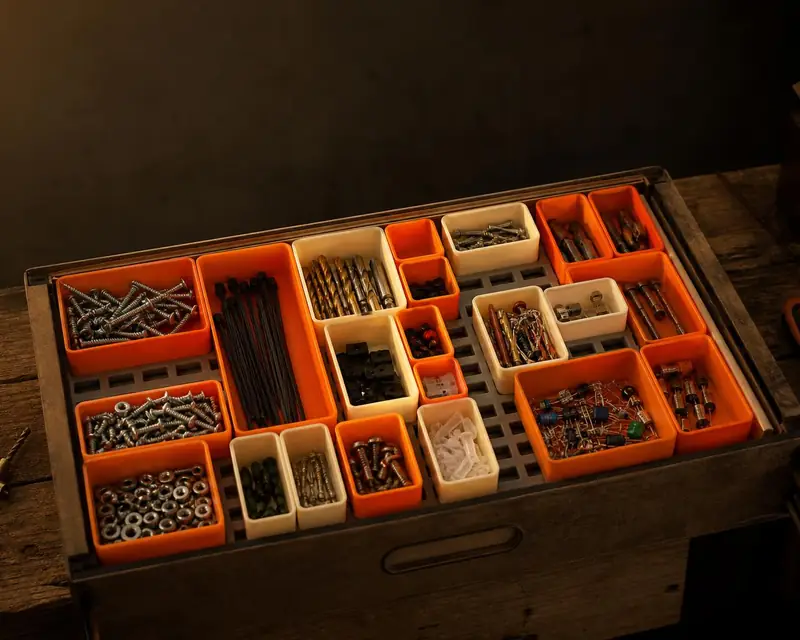 Gridfinity bins
 Gears
 Stencil