From a flat drawing to a part
DXF is the format for 2D drawings: plans, laser cutting templates, CNC parts, logos. To 3D print it, one thing is missing: thickness. Here you choose how many millimeters you want and every closed shape becomes a solid part.
Anything inside another shape becomes a hole: the holes in a plate, the middle of a letter "O". And anything inside a hole becomes solid again, like an island.
What it reads and what it doesn't
It reads polylines (with their curves), lines, arcs, circles, ellipses and spline curves. Loose lines and arcs join on their own at their ends to form closed shapes.
- Text: DXF text isn't read. Convert it to outlines or curves in your program before saving.
- Blocks: if the drawing uses blocks, explode them first.
- Open lines: anything that doesn't close a shape is left out, and we tell you how many lines there were.
- Units: if the DXF says what unit it's in, we use it; if not, choose it yourself.
Ideas for using it
Plates and brackets with screw holes, marking or cutting templates, signs, gaskets, parts you used to laser cut and now want to print. If your part needs different heights, convert it in pieces and join them in your slicer.
Tips
- If it warns about open lines, use "Join" (JOIN) in your drawing program to close the outlines.
- A thickness of 2 to 3 mm is sturdy for small plates; for parts that carry weight, go higher.
- If the drawing comes out tiny or huge, check Units: many drawings are in inches.
- If you want that same shape with relief or text on top, also try SVG to STL.
Frequently asked questions
What is a DXF file?
It's AutoCAD's drawing exchange format. Almost every technical drawing, laser cutting and CNC program opens it.
Why doesn't my text show up?
Because DXF text isn't outlines but letters each program draws. Convert it to curves or outlines before saving the DXF.
Why does it say there are open lines?
Because some lines don't form a closed shape, and without that there's no way to know which part is solid. Join them in your drawing program and try again.
Can I make holes?
Yes. Any closed shape inside another becomes a hole: draw a circle inside your plate and it becomes the screw hole.
Is my file uploaded to the internet?
No. It's read and converted in your browser; it isn't sent anywhere.
Why is there a download limit?
The tool is free and supported by ads. Each visit includes 5 downloads; to keep going, open the page again.
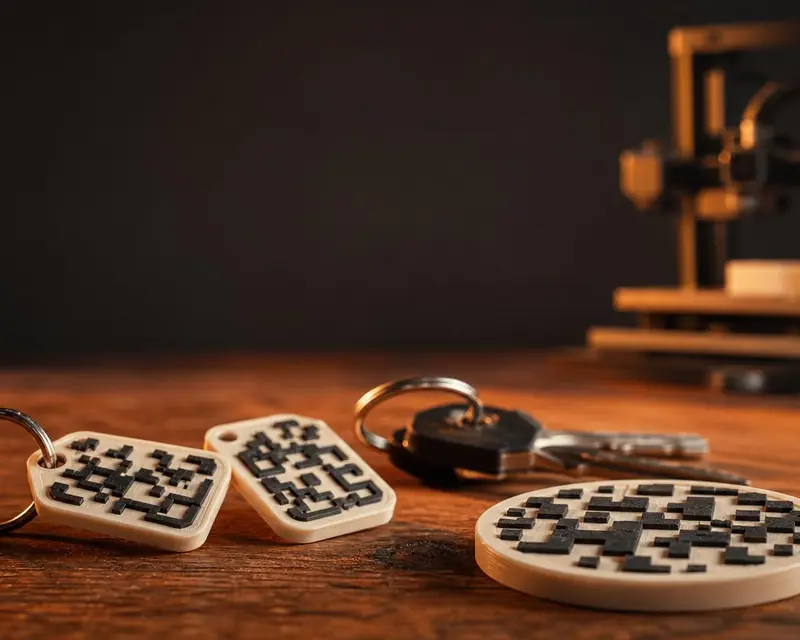 Your QR in 3D
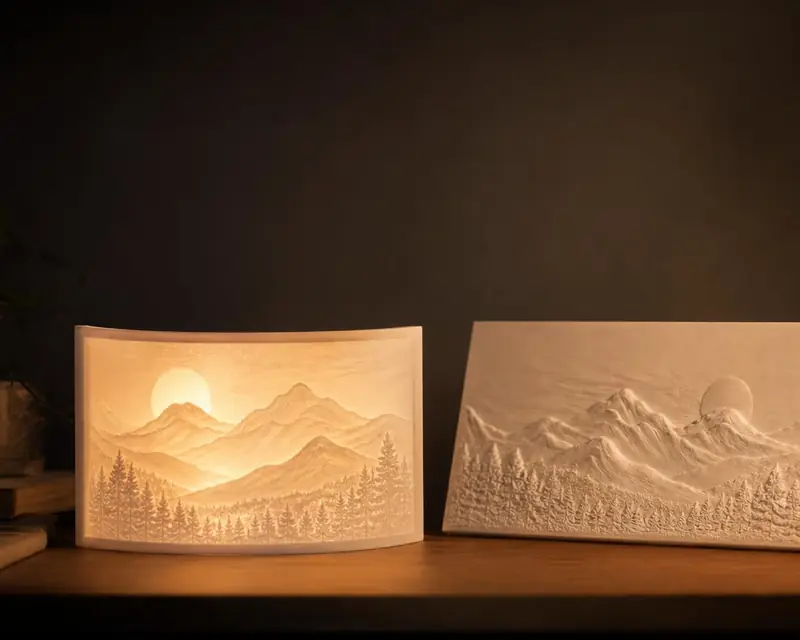 Your photo in 3D
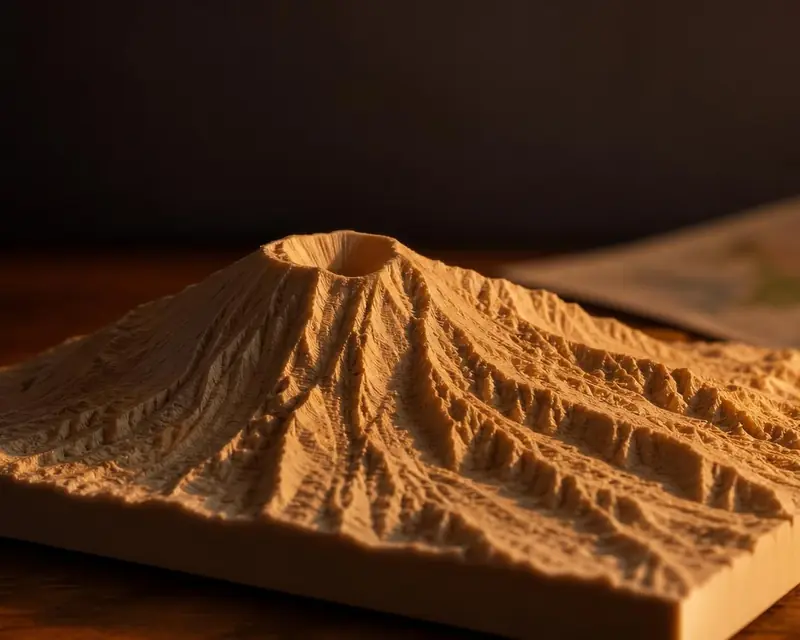 Your map in 3D
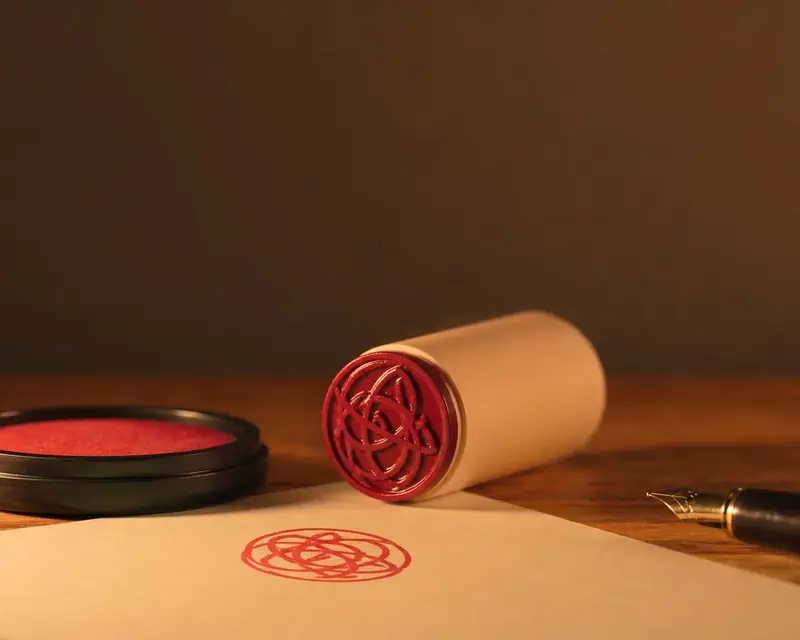 Signature to stamp
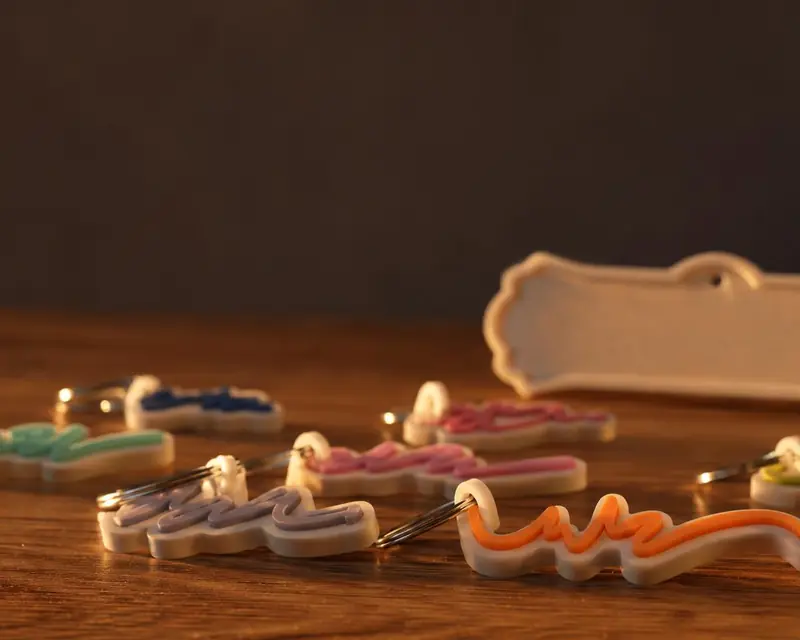 Your name in 3D
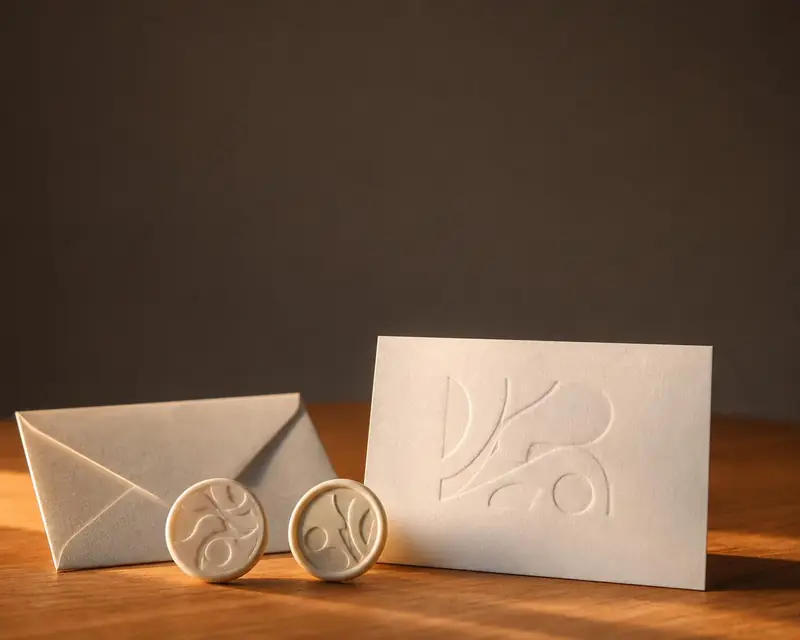 Embossing stamp
 Cookie cutter
 Song plaque
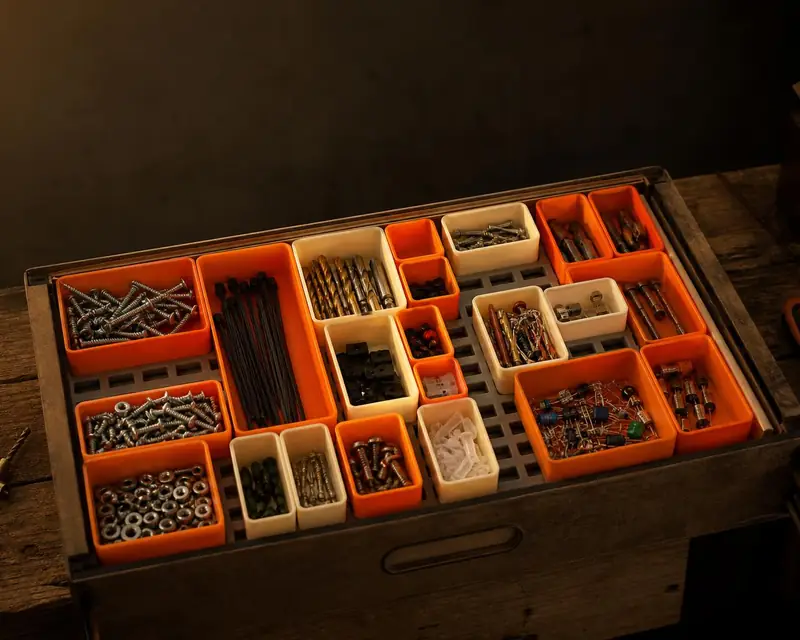 Gridfinity bins
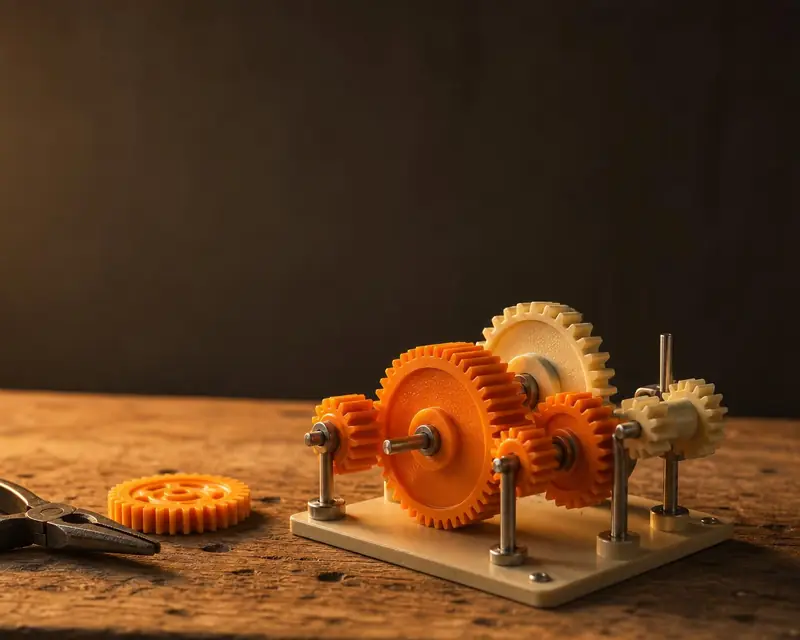 Gears
 Stencil