From CAD to 3D printing
STEP is the format used to exchange parts between mechanical design programs: it stores the exact surfaces, with perfect curves. Slicers, on the other hand, work with triangles. Here you convert one into the other without installing anything.
Curves are turned into triangles fine enough not to show when printed (about 6° per segment). The size is kept: STEP does state its unit, and it's converted to millimeters.
How it works inside
To read STEP it uses Open CASCADE, the same geometry engine as FreeCAD, compiled to run in the browser. It's a file of about 3 MB that downloads only the first time you convert a STEP; the rest of Plastilo's pages don't load it. Your file is read in your browser and isn't sent anywhere.
If something looks off
- Slow to read: large parts or ones with lots of curves can take a few seconds. Wait for the preview to appear.
- It won't read: export the STEP again as AP214 or AP242 from your program.
- Several parts: an assembly comes out with all its parts in the same STL, in place.
Tips
- If your CAD program exports STL directly, that works too; STEP is handy when the part was sent to you or you downloaded it that way.
- Check the size in the preview: if it's a thousand times bigger or smaller, the file was saved with another unit.
- For assemblies, export each part separately if you'll print them separately.
- If the warning says the mesh has holes, the repair button in PrusaSlicer or Bambu Studio usually fixes it.
Frequently asked questions
What is a STEP file?
It's the standard format (ISO 10303) for exchanging mechanical design parts between programs like SolidWorks, Fusion 360, Inventor, FreeCAD or Onshape. It ends in .step or .stp.
Why is it slow the first time?
Because the STEP reader, about 3 MB, is downloaded. It downloads only once: later conversions start instantly.
Are the dimensions kept?
Yes. STEP stores its unit (millimeters, inches…) and the tool converts it to millimeters, which is what your slicer expects.
Can I convert an STL to STEP?
Not with this tool: an STL only has triangles, and the exact surfaces a STEP stores can't be recovered.
Is my file uploaded to the internet?
No. It's read and converted in your browser; it isn't sent anywhere.
Why is there a download limit?
The tool is free and supported by ads. Each visit includes 5 downloads; to keep going, open the page again.
 Your QR in 3D
 Your photo in 3D
 Your map in 3D
 Signature to stamp
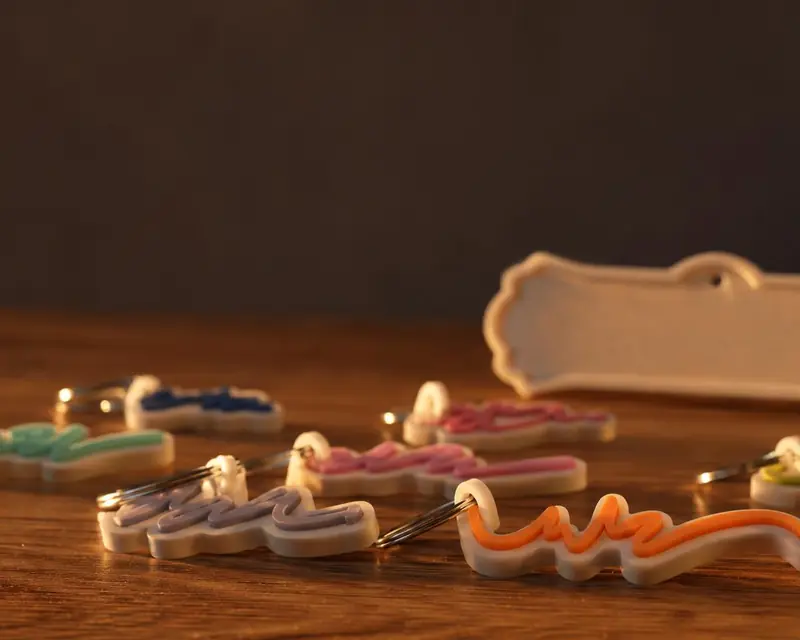 Your name in 3D
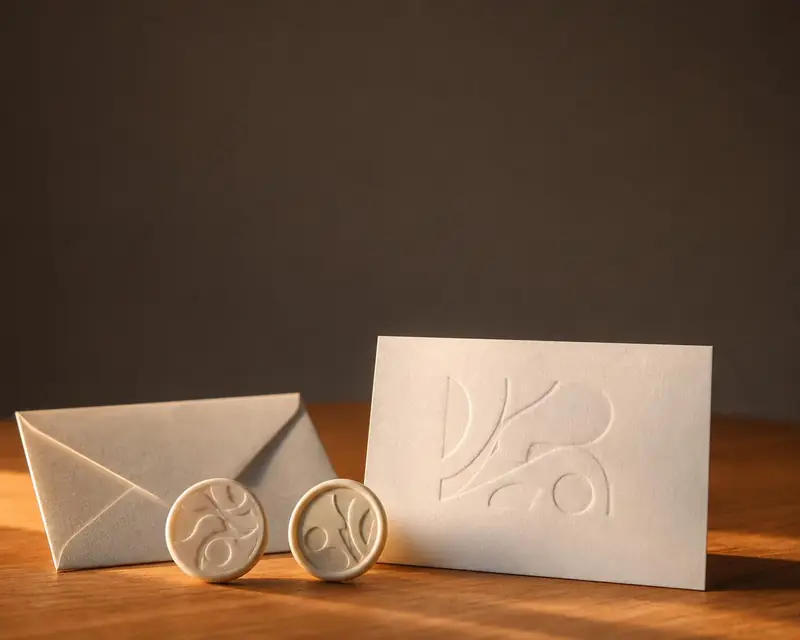 Embossing stamp
 Cookie cutter
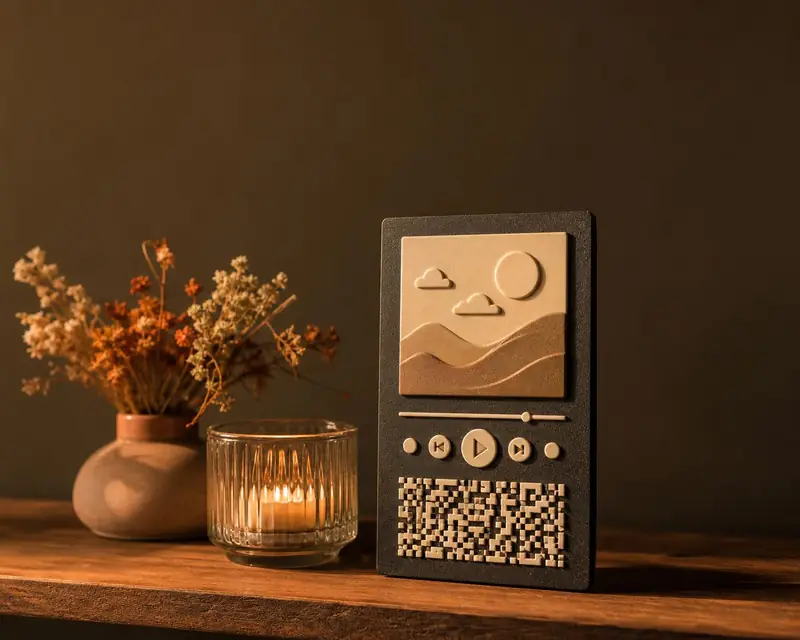 Song plaque
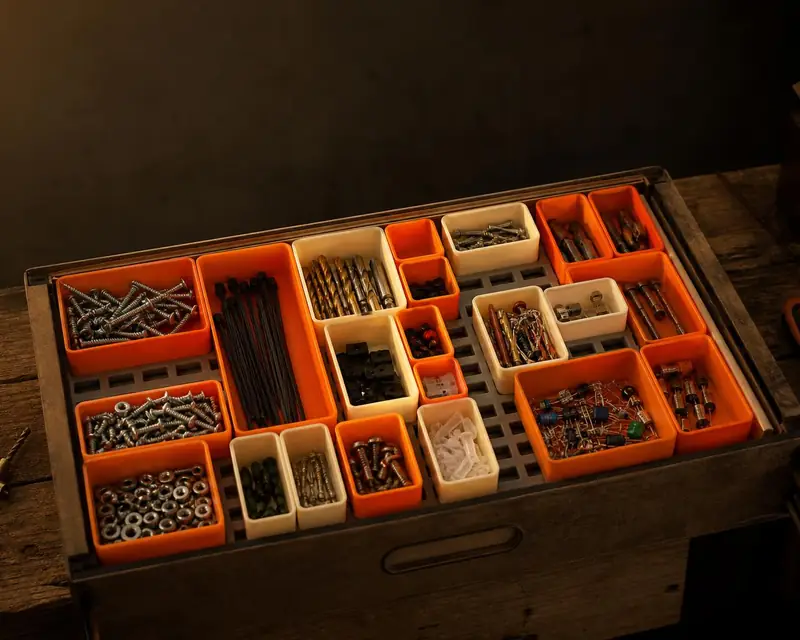 Gridfinity bins
 Gears
 Stencil