From G-code back to a part
G-code isn't a 3D model: it's the list of nozzle moves, layer by layer. It's common to be shared only the G-code, or to lose the STL and be left with just the file you sent to the printer. Here we rebuild the part by following those moves.
Every line where the nozzle lays down plastic becomes a bead as wide as the line and as tall as the layer. Together they form the part as it prints.
Just the shape or everything printed
Just the shape takes the outer walls: it's a light file and enough to view the part, measure it or use it as a base to redesign. It works when the slicer marks line types, as PrusaSlicer, OrcaSlicer, Bambu Studio and Cura do.
Everything printed includes inner walls, infill and top and bottom layers. It's much heavier. Supports, skirt, brim and prime tower are never included.
Good to know
- It's a reconstruction: surfaces come out with the layer steps, like the printed part.
- To print it again, slicing the original model is better if you have it; this STL is for viewing, measuring or redesigning.
- A G-code for a large part, with everything printed, can be too much for the browser: use "Just the shape".
Tips
- If you're only sent the G-code, check in the preview that the part is what you expect before printing it: that way you know it's sliced right.
- With "Just the shape" the STL is small and you can open it in any design program to measure or modify it.
- G-code already includes the position on the bed: the part comes out where it was going to print.
- If the preview says there are no line types, your slicer didn't mark them: everything printed is included.
Frequently asked questions
What is a G-code file?
It's the file your slicer (Cura, PrusaSlicer, OrcaSlicer, Bambu Studio…) generates and the printer reads: a list of moves, temperatures and speeds.
Do I get my original model back?
A very close version: the printed shape, with the layer steps. It's fine for measuring, viewing or redesigning; if you have the original model, that's better for printing.
Does it work with Bambu Lab G-code (.gcode.3mf)?
A .gcode.3mf is a zip with the G-code inside. Extract the .gcode file (it's in the "Metadata" folder) and choose it here.
Why aren't the supports included?
Because they're not part of the piece: they're removed after printing. Skirt, brim and prime tower aren't included either.
Is my file uploaded to the internet?
No. It's read and converted in your browser; it isn't sent anywhere.
Why is there a download limit?
The tool is free and supported by ads. Each visit includes 5 downloads; to keep going, open the page again.
 Your QR in 3D
 Your photo in 3D
 Your map in 3D
 Signature to stamp
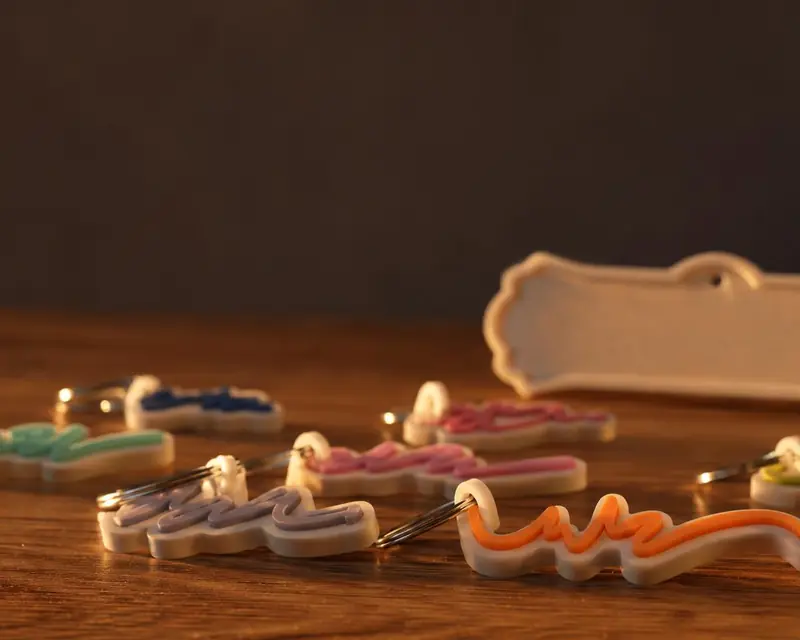 Your name in 3D
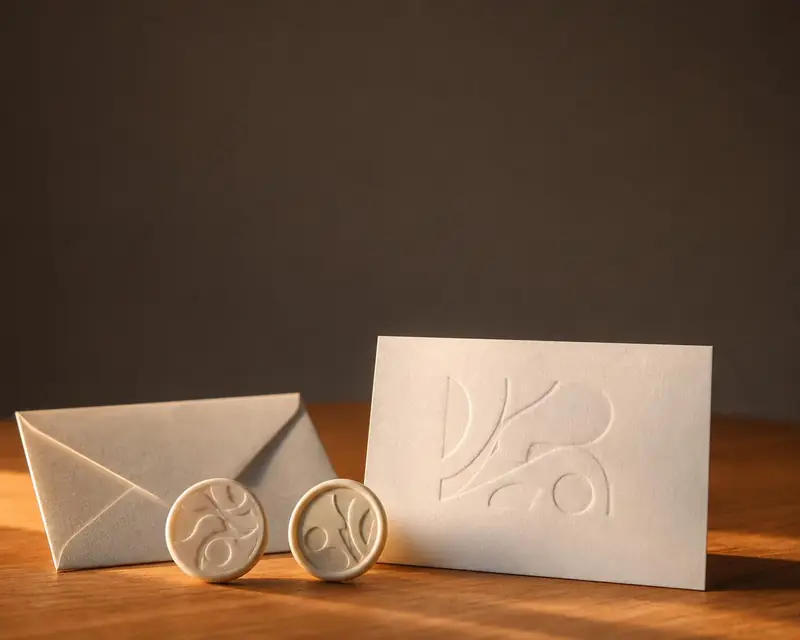 Embossing stamp
 Cookie cutter
 Song plaque
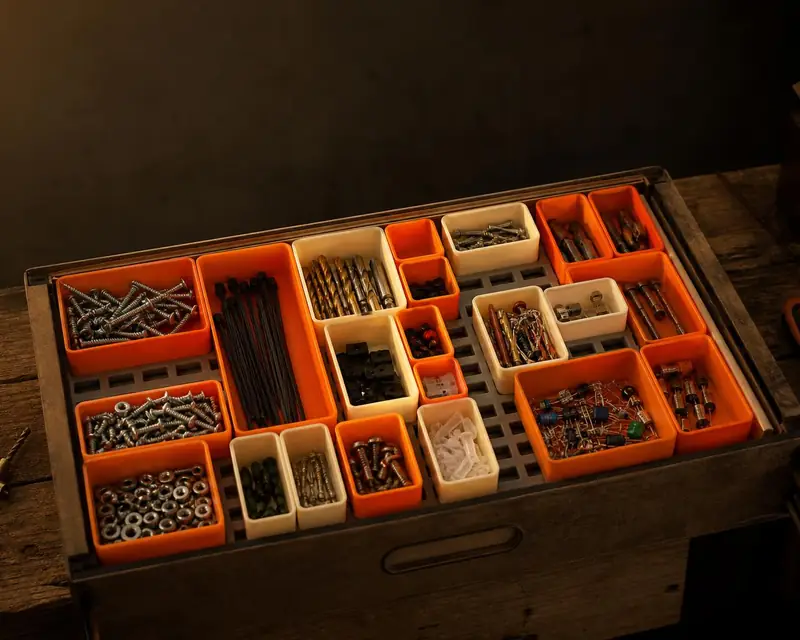 Gridfinity bins
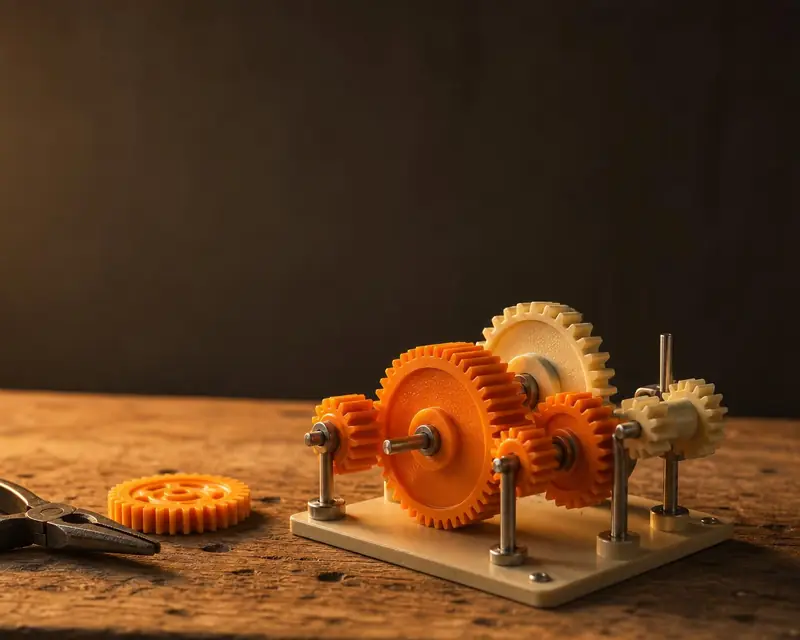 Gears
 Stencil